


How Do I Use AI to Write My Chiropractic Video Scripts in 2026?
 by Gerek Allen ~ Last Updated: January 28th, 2026 ~ 12 Min Read
by Gerek Allen
~ Last Updated: January 28th, 2026 ~
~ 12 Min Read ~
Short answer? You can go from blank page to production-ready script in under 60 seconds.
Tell the AI your topic, your patient type, and your platform. It handles the rest.
Here's the thing though...
The script itself is only half the battle. The real leverage comes from building a system that lets you batch create weeks of content in a single afternoon. That's what separates practices drowning in "I should make videos" guilt from those actually showing up in patient feeds every single day.
Video isn't optional anymore. 91% of businesses now use video as a marketing tool—highest adoption rate ever. And 85% of people say they've bought something after watching a video about it.
For chiropractors? That translates directly into new patient bookings.
But here's where most docs get stuck. They stare at a blank screen and freeze. "What do I even say?" The camera light turns on and suddenly every intelligent thought vanishes.
Sound familiar?
AI solves the blank page problem completely. Instead of hoping inspiration strikes, you describe what you want and the AI delivers a structured script you can record immediately.
This guide walks you through exactly how to set up your AI video scripting system—from choosing the right tools to chiropractic AI content automation that runs on autopilot. We're covering the prompts that actually work, the platforms worth your time, and the workflow that lets you create a month of content in one sitting.
Let's get into it.
Why Video Marketing Matters More Than Ever for Chiropractors in 2026


The shift isn't subtle anymore.
Patients research healthcare providers the same way they research restaurants—they watch before they book.
Here's what the data shows: 93% of video marketers say video has helped increase user understanding of their product or service. For a chiropractor explaining what happens during an adjustment or why someone's headaches might be coming from their neck? That's everything.
The trust factor alone is worth the effort. When patients can see you explain their condition before they ever walk in, they arrive ready to commit to care plans—not skeptical and defensive.
The "Zero-Click" Problem Hitting Chiropractic Practices
Here's the kicker...
Google's AI Overviews now answer patient questions directly in search results. Someone Googles "what causes lower back pain" and they get an answer without clicking anything.
Your blog post? They never see it.
But video breaks through. YouTube videos show up in both regular search and video-specific results. TikTok and Instagram content gets discovered through algorithms that reward engagement over SEO.
Video creates multiple pathways for patients to find you when traditional search traffic is dying.
Why Most Docs Never Hit "Record"
Let's keep it real...
You know your stuff cold. You've explained sciatica a thousand times to patients. But the second that camera light turns on, your mind goes blank.
This isn't a knowledge problem. It's a structure problem.
AI solves it by giving you a framework before you ever hit record. Instead of improvising (and inevitably rambling), you follow a tight script that hits every point you need.
Why AI Scripts Convert Better Than Winging It
Improvised videos feel authentic—and that's valuable.
But they also tend to ramble past the point where viewers tune out, miss key info patients actually need, skip calls-to-action entirely, and run too long for platform algorithms.
AI scripts force structure. A good prompt automatically includes a hook (those crucial first 3 seconds), clear talking points, and a natural ending that guides viewers toward action.
The result? Videos that feel conversational but perform like marketing.
Choosing the Right AI Tool for Your Video Scripts
Not all AI writing tools are created equal.
The tool you choose depends on what you're trying to accomplish and how much time you wanna spend prompting.
Here's the breakdown of what actually works for chiropractic video scripts in 2026.
ChatGPT: The Versatile Workhorse
ChatGPT remains the most widely-used option for good reason. It's fast, handles most script types well, and the free tier is genuinely useful.
Best for:
- Quick scripts you need right now
- Versatile content across platforms (TikTok, YouTube, Instagram)
- Image generation alongside scripts (DALL-E integration)
- Brainstorming multiple video ideas at once
Limitations:
- Can sound generic without detailed prompting
- Tends toward marketing buzzwords if you're not careful
- No built-in memory between sessions on free tier
For most chiropractors, ChatGPT handles 80% of scripting needs. Start here if you're new to AI content creation.
Claude: Better for Consistent Voice
Claude (that's me) tends to produce more naturally-conversational scripts with less prompting. The writing style leans toward clear, direct language rather than corporate-speak.
Best for:
- Longer educational scripts that need consistent tone
- Maintaining your specific clinical voice across multiple scripts
- Complex topics requiring nuanced explanation
- Projects where you want to save context (Claude Projects feature)
Limitations:
- Smaller ecosystem compared to ChatGPT
- No native image generation
Claude's Projects feature is pretty damn useful for chiropractors. You can save your voice profile, common conditions you treat, and your typical patient explanations—then reference them automatically in every script.
Specialized Healthcare AI Tools
Beyond general AI assistants, specialized tools offer healthcare-specific advantages:
- Jasper AI - Includes healthcare marketing templates and brand voice training. Higher price point but more turnkey for practices wanting done-for-you setups.
- HeyGen - Goes beyond scripts to create actual videos with AI avatars. Type your script and have an AI presenter deliver it—no camera required.
Descript - Combines AI script writing with video editing. Edit your video by editing the transcript text. Game-changer for docs who hate traditional editing software.
| ChatGPT | General scripting, brainstorming | Free tier available | Low |
| Claude | Consistent voice, long-form content | Free tier available | Low |
| Jasper | Healthcare marketing templates | $49/month | Medium |
| HeyGen | AI avatar videos (no camera needed) | Free tier available | Medium |
| Descript | Script-to-video editing | Free tier available | Medium |
Which Tool Should You Actually Use?
Start with ChatGPT or Claude for scripting—both offer free tiers that handle most needs.
Once you're comfortable with AI scripts, add a video tool like Descript for editing or HeyGen if you genuinely hate being on camera.
The goal isn't to master every tool. It's to find the simplest workflow that gets videos published consistently.
NEED MORE CLIENTS?
Free conversion-focused analysis uncovers the 3 biggest problems killing your bookings — we'll walk you through your results personally
Building Your AI Prompting System for Video Scripts
Alright, quick reality check...
The quality of your AI output depends entirely on the quality of your input. Garbage prompts produce garbage scripts.
Good news? Building effective prompts isn't complicated once you understand the formula.
The Anatomy of a High-Converting Video Script Prompt
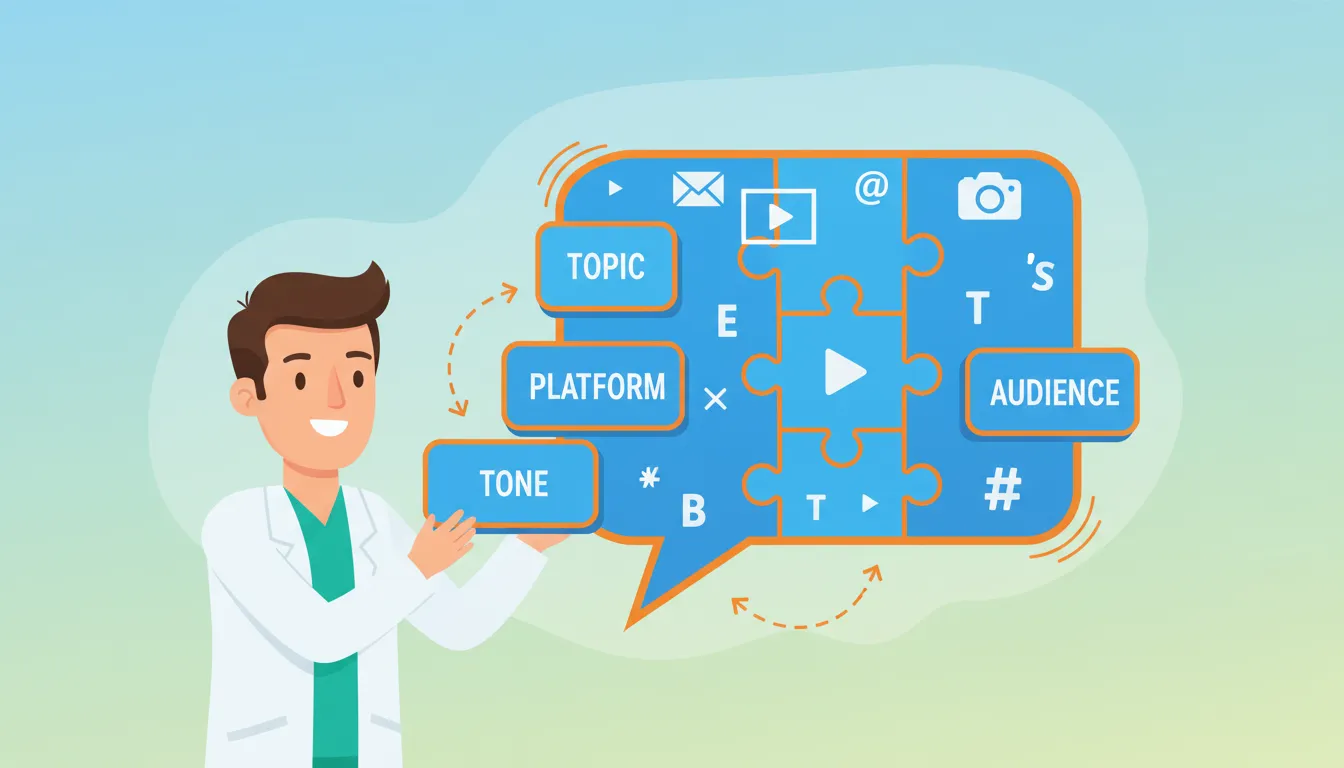
Every effective prompt includes five components:
- Topic - The specific condition, treatment, or question you're addressing
- Platform - Where this video will live (TikTok, YouTube, Instagram Reels)
- Audience - Who's watching and what they already know
- Tone - How you naturally communicate with patients
- Outcome - What action you want viewers to take
Here's a prompt template that works:
Write a [length] video script for [platform] explaining [topic] to [audience description]. Include a hook in the first 3 seconds that stops scrolling, 2-3 key points a non-medical person can understand, and end with [specific call-to-action]. Match a conversational clinical tone—like I'm explaining this one-on-one to a patient, not lecturing.
Example in action:
Write a 45-second video script for TikTok explaining why desk workers get headaches to people who don't realize their posture might be the cause. Include a hook in the first 3 seconds that stops scrolling, 2-3 key points a non-medical person can understand, and end with an invitation to check the link in bio for a free posture assessment. Match a conversational clinical tone—like I'm explaining this one-on-one to a patient, not lecturing.
That prompt gives the AI everything it needs to produce a usable script immediately.
Creating Your Voice Profile Document
The biggest complaint about AI content? "It doesn't sound like me."
Fix this by creating a voice profile the AI can reference.
Here's what to include:
- Phrases you actually use with patients ("Here's what's happening in your spine..." or "Let me show you something cool...")
- Words you avoid (overly clinical terms, specific phrases that feel off-brand)
- Your typical explanation style (analogies you use, how you simplify complex concepts)
- Local references that make sense for your practice area
- Your personality (humor level, directness, warmth)
Save this document and include it in your prompts: "Match the voice profile I've provided" then paste relevant sections.
In Claude Projects, you can save this permanently so every conversation automatically references your voice.
Condition-Specific Prompt Templates
Build a library of prompts for conditions you treat most frequently.
Here are starting templates:
For sciatica:
Write a [length] script for [platform] explaining what's actually causing someone's leg pain when they think it's a pulled muscle. Hook with a surprising fact about sciatic nerve location. Include one self-test they can do right now. End with [CTA].
For tech neck:
Write a [length] script for [platform] showing desk workers why their neck pain gets worse by Friday afternoon. Include a 10-second stretch they can do at their desk. Make it feel like helpful advice, not a lecture.
For headache patients:
Write a [length] script for [platform] explaining the connection between neck tension and headaches to someone who's been popping ibuprofen for years without getting answers. Include one question they should ask themselves about when headaches occur.
Building this library once means you can generate new content instantly whenever you need it.
Creating Scripts for Different Platforms
Now... this part matters.
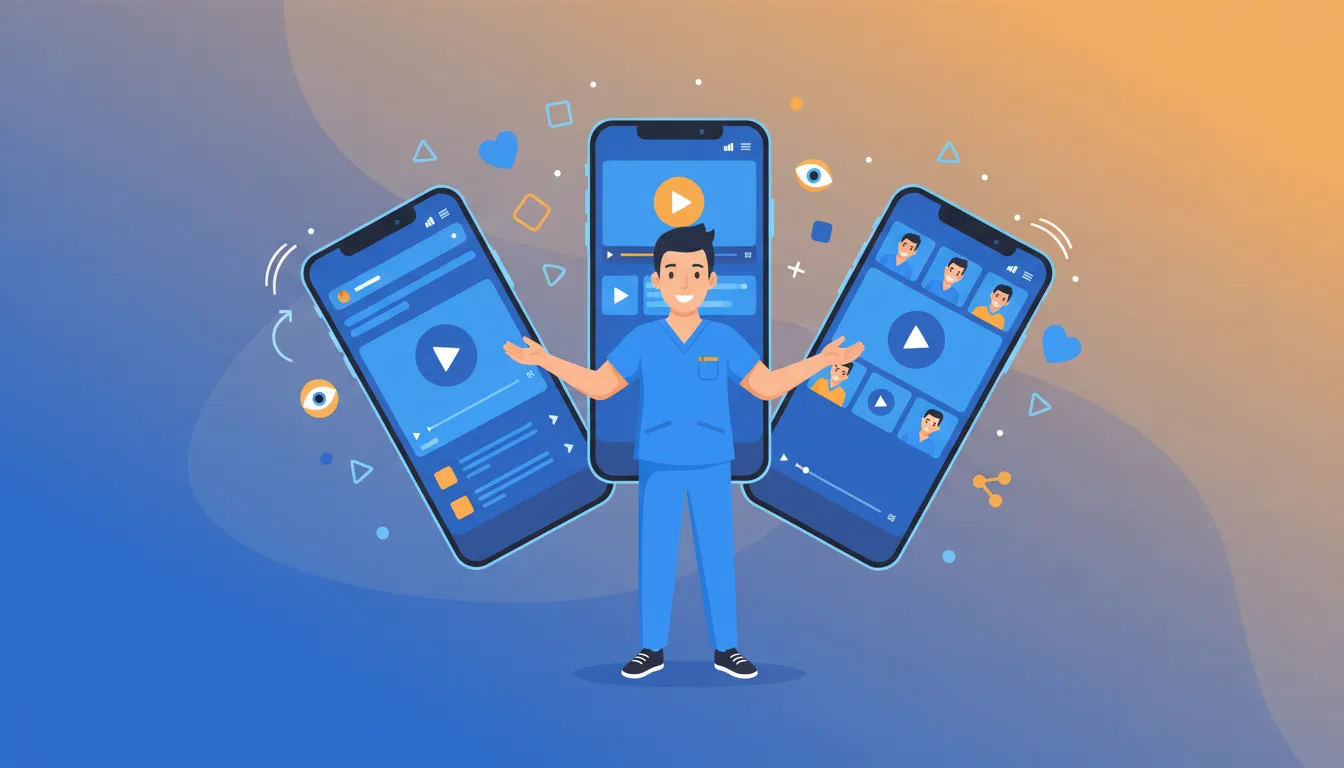
The same script doesn't work across platforms. What kills on TikTok might flop on YouTube.
Understanding these differences lets you create content that actually performs.
TikTok: Hook-Heavy, Pattern-Interrupt Scripts
TikTok's algorithm rewards videos that stop the scroll immediately. You've got about 1-2 seconds before someone swipes.
Optimal length: 15-60 seconds, with 45 seconds hitting the sweet spot for balancing depth with pace.
Script structure:
- Seconds 1-3: Pattern interrupt hook (surprising statement, visual, or question)
- Seconds 4-30: Main point with one clear takeaway
- Seconds 31-45: Soft CTA or engagement prompt
TikTok prompt template:
Write a 45-second TikTok script about [topic]. Start with a pattern-interrupt hook that makes someone stop scrolling—something surprising or counterintuitive. Keep explanations visual and action-oriented. End with either a question to boost comments or a soft CTA. Use casual language, no medical jargon.
What works on TikTok:
- "POV" style videos showing patient perspectives
- Quick demonstrations of stretches or tests
- Myth-busting common misconceptions
- Behind-the-scenes office content
YouTube Shorts: Value-Dense, Search-Optimized Scripts
YouTube Shorts benefit from YouTube's powerful search infrastructure. Unlike TikTok, people actually search for content on YouTube.
Optimal length: 30-35 seconds for highest engagement, though the platform now allows up to 3 minutes.
Script structure:
- Seconds 1-5: Clear value proposition (what they'll learn)
- Seconds 6-25: Deliver the promise efficiently
- Seconds 26-35: CTA driving to longer content or booking
YouTube Shorts prompt template:
Write a 35-second YouTube Short script answering "[specific question patients search]". Front-load the answer in the first 10 seconds, then add supporting context. End with a CTA to watch the full explanation video or visit the practice. Include SEO-friendly language someone might actually search for.
YouTube Shorts work particularly well for growing a chiro YouTube channel by driving viewers to your longer content.
Instagram Reels: Polished, Visually-Focused Scripts
Instagram Reels favor aesthetically pleasing content. The platform's audience expects slightly more polish than TikTok.
Optimal length: 20-25 seconds for maximum completion rate.
Script structure:
- Seconds 1-3: Visual hook (strong opening frame matters more here)
- Seconds 4-18: Concise delivery with visual support
- Seconds 19-25: Engagement driver (save this, share with someone who...)
Instagram Reels prompt template:
Write a 25-second Instagram Reel script about [topic]. The opening frame needs to be visually compelling—describe what I should be showing. Keep the pace tight and the message clear. End with a save-worthy moment or share prompt. Slightly more polished tone than TikTok but still conversational.
YouTube Long-Form: Educational Deep-Dives
For comprehensive patient education content, YouTube's standard format lets you go deeper.
Optimal length: 2-10 minutes depending on topic complexity.
Script structure:
- First 30 seconds: Hook + preview of what they'll learn
- Body: 3-5 clear sections with transitions
- Final 60 seconds: Summary + specific next step
This is where your chiro video marketing guide strategy really pays off. Long-form content builds authority and drives patients who arrive ready to commit.
| TikTok | 45 seconds | 1-2 seconds | Demos, myths, POV |
| YouTube Shorts | 30-35 seconds | 5 seconds | Q&A, quick tips |
| Instagram Reels | 20-25 seconds | 3 seconds | Polished educational |
| YouTube | 2-10 minutes | 30 seconds | Deep-dive education |
Ready to See How We Fix Chiropractic Websites?
We've transformed 150+ service-based websites using our proven 4-step system. See exactly how we combine premium design with conversion science.
The Batch Content Creation Workflow
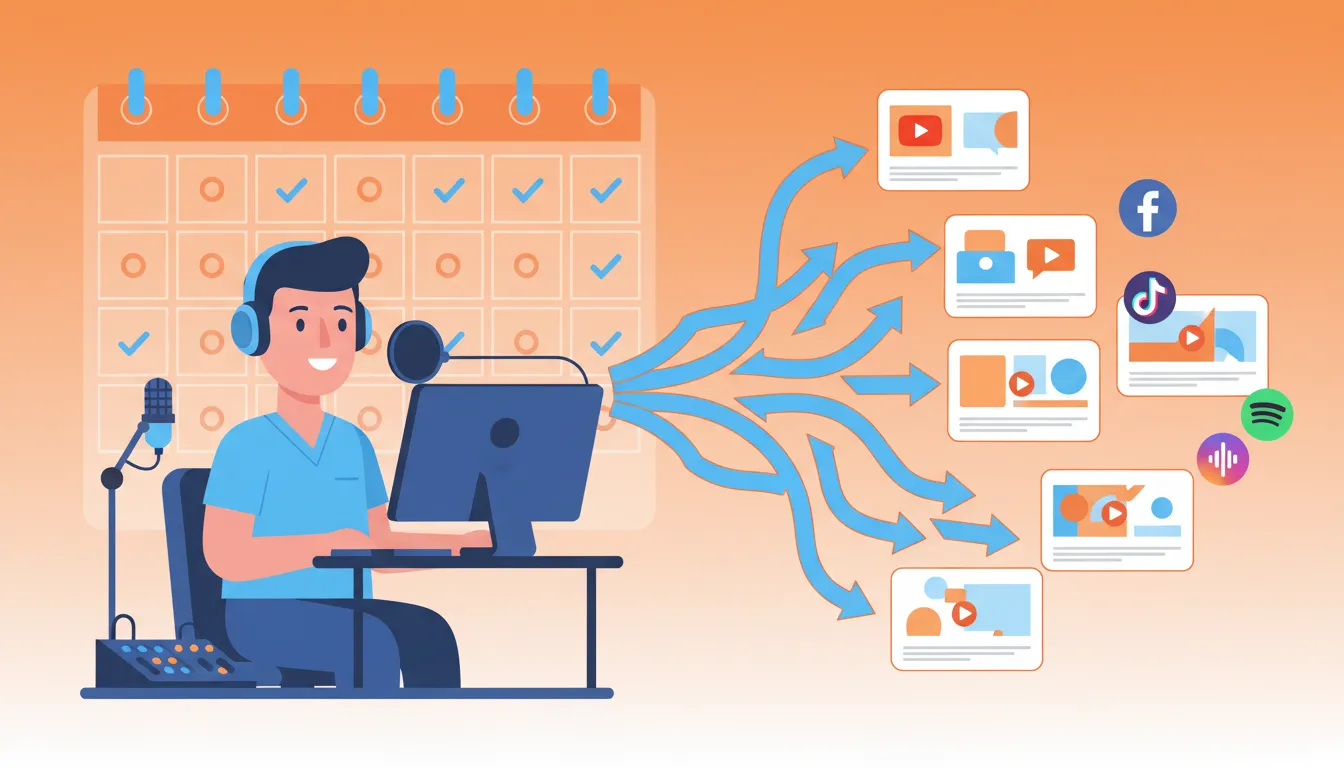
Creating videos one at a time is a recipe for burnout.
The chiropractors actually succeeding with video treat it like assembly line production—batch everything.
Here's the workflow that lets you create a month of content in a single afternoon.
Step 1: Generate 30 Days of Script Ideas in 15 Minutes
Use AI to brainstorm first. Don't sit there trying to think of topics.
The prompt:
I'm a chiropractor who primarily treats [your common conditions]. Generate 30 video topic ideas organized by: 10 educational topics explaining common conditions, 10 myth-busting topics addressing misconceptions, 5 behind-the-scenes practice topics, and 5 patient question topics. Each idea should work as a 30-60 second short-form video.
Boom. You've got a month's worth of topics without burning mental energy.
Step 2: Convert Ideas to Production-Ready Scripts
Take your topic list and generate scripts in batches.
The batching prompt:
Using these 5 topics [list them], write 5 complete TikTok scripts. Each should be 30-45 seconds when spoken naturally. Include visual cues in brackets for what I should be showing. Match my conversational clinical voice.
Generate scripts for 5-10 videos at once. This takes about 20 minutes of prompting and reviewing.
Step 3: The Power Recording Session
Block 2-3 hours and record everything at once.
Setup tips:
- Same lighting, same background, same outfit creates visual consistency
- Print scripts or use a teleprompter app (many free options exist)
- Record each script 2-3 times—pick the best take later
- Film talking-head portions separately from demonstration portions
Most docs can record 10-15 short-form videos in a 2-hour session once they're not stopping to think about what to say.
Step 4: AI-Assisted Editing and Repurposing
This is where top AI tools for chiropractic clinics really shine.
Editing workflow:
- Import footage into Descript
- Let AI auto-transcribe everything
- Delete filler words, pauses, and mistakes by editing the text
- Apply AI enhancements (Studio Sound for audio, Eye Contact correction)
- Export in platform-specific dimensions
Repurposing magic:
One 5-minute educational video can become 3-4 short clips for TikTok/Reels/Shorts, quote graphics for Instagram feed, an AI blog writing system for chiros article, email newsletter content, and patient education materials.
The AI identifies clip-worthy moments automatically. What used to take hours now takes minutes.
Step 5: Schedule and Distribute
Upload your batch to scheduling tools (Later, Buffer, or native platform schedulers) and spread content across 30-60 days.
Distribution pattern:
- TikTok: Daily or every other day
- Instagram Reels: 3-4 per week
- YouTube Shorts: 3-4 per week
- YouTube long-form: 1-2 per week
This approach means you touch content creation maybe twice a month, but you're showing up in patient feeds every single day.
AI Avatar Videos: The Camera-Shy Doc's Solution
Let's keep it real...
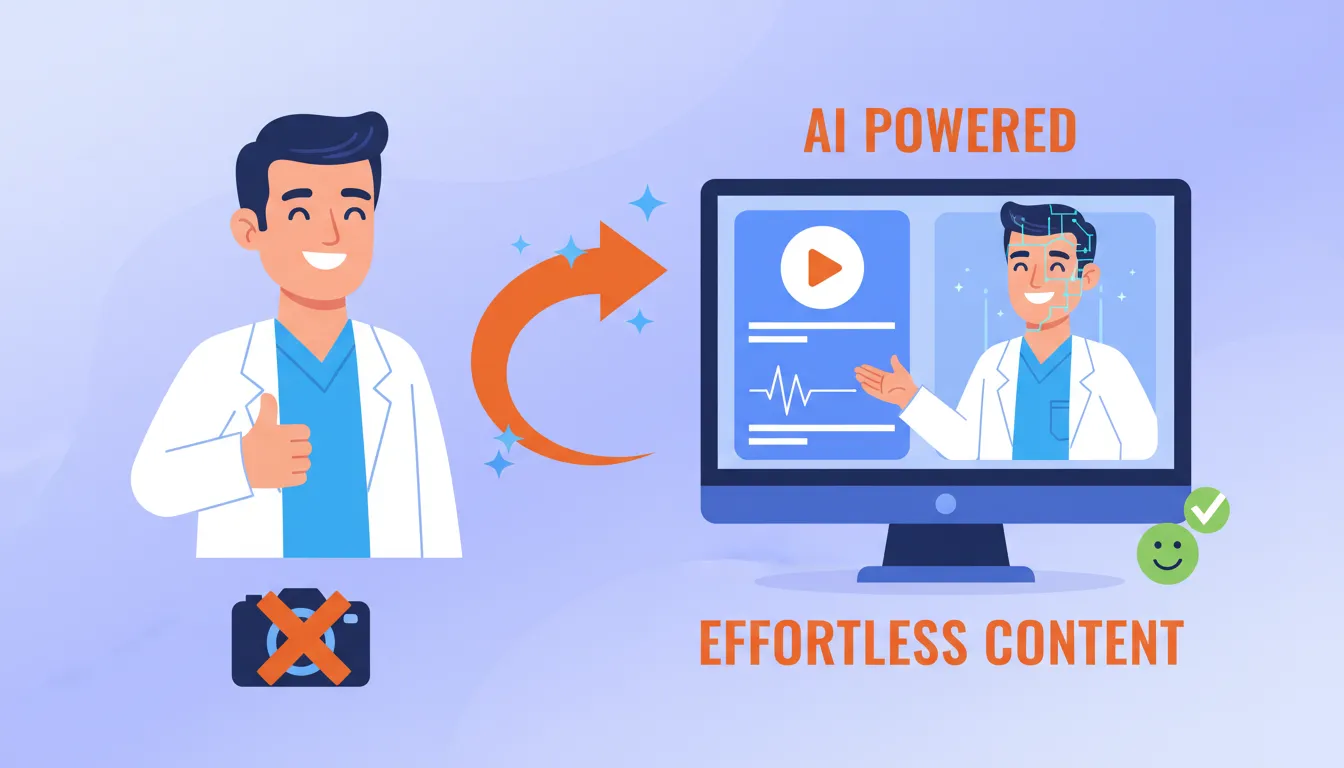
Some doctors genuinely hate being on camera. And that's okay.
AI avatar technology in 2026 has reached the point where you can create professional videos without ever appearing on screen.
How AI Avatars Work for Healthcare Content
Platforms like HeyGen and Synthesia let you:
- Choose from hundreds of realistic AI presenters (or create one based on your likeness)
- Type or paste your script
- Generate a fully-produced video with natural speech and gestures
The avatars now look remarkably human. They maintain eye contact, use appropriate hand gestures, and deliver scripts with natural pacing.
Best uses for AI avatar videos:
- Patient education content explaining procedures
- Welcome videos for new patients
- FAQ answers that don't require you personally
- Internal training content for staff
- Multi-language versions of your content
The HIPAA Question
Good news: AI avatar platforms are generally HIPAA-compliant for educational and marketing content because they don't process protected health information.
What's safe:
- General condition education (what causes sciatica, how adjustments work)
- Practice information (hours, location, services)
- Procedure explanations without patient specifics
What requires caution:
- Anything mentioning specific patients (even with consent, be careful)
- Treatment recommendations for specific conditions a viewer might have
- Content that could be interpreted as personalized medical advice
Stick to general education and you're fine.
Hybrid Approach: Mix Personal and AI Content
The most effective strategy combines both.
Use your personal videos for trust-building content (introductions, testimonials, technique demonstrations) and AI avatars for scalable educational content.
This lets you maintain authentic connection while dramatically increasing output volume.
Measuring What Actually Matters
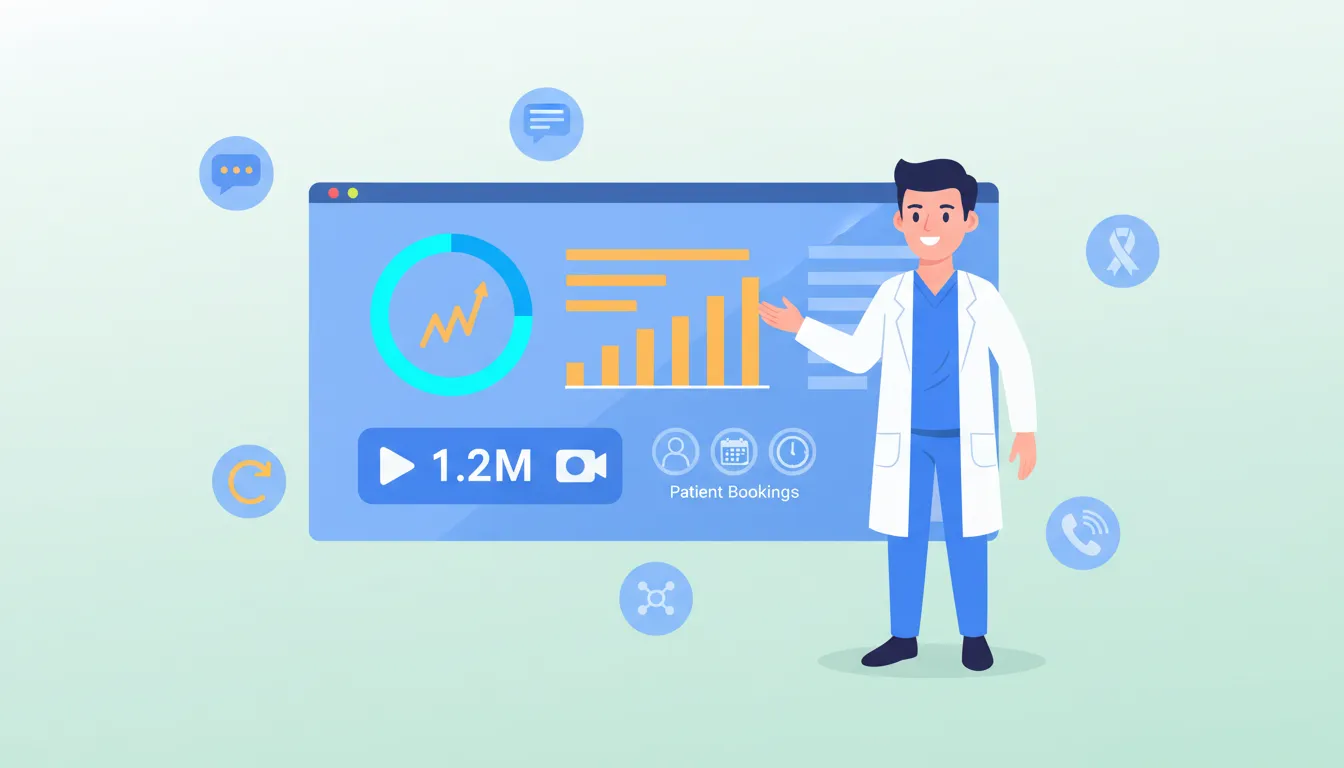
Views are vanity. Bookings are sanity.
Most docs get obsessed with video views while ignoring the metrics that actually matter for practice growth.
Metrics That Predict Patient Acquisition
Completion rate tells you if content resonates. If viewers watch 70%+ of your video, the message is landing. Below 30%? The hook isn't working or content is too long.
Save rate indicates value. When someone saves your video, they're planning to reference it later—often when they're ready to book.
Comments asking questions signal buying intent. "Do you treat [condition]?" or "Are you accepting new patients?" are gold.
Profile visits from video track how many viewers want to learn more about you specifically.
Link clicks/booking requests are the ultimate measure. If videos generate appointments, everything else is working.
Setting Up Tracking
For website traffic:
- Use UTM parameters on links in your video profiles
- Set up Google Analytics goals for appointment requests
- Track "how did you hear about us" in intake forms
For platform performance:
- TikTok Creator Center shows detailed analytics
- Instagram Insights tracks Reels performance
- YouTube Studio provides comprehensive data
Review metrics weekly. Double down on content types driving bookings. Cut what's not working.
The 90-Day Benchmark
Video marketing compounds over time. Don't expect immediate results.
Realistic timeline:
- Days 1-30: Building content library, learning what works
- Days 31-60: Algorithm learning your content, early engagement growth
- Days 61-90: Consistent performance patterns emerge, first patient attributions
Most practices see meaningful patient acquisition impact around the 90-day mark with consistent posting.
Common AI Video Script Mistakes to Avoid

AI makes content creation faster. It doesn't make it foolproof.
Here are the mistakes killing chiropractic video performance—and how to fix them.
Mistake 1: Accepting First-Draft Scripts Without Editing
AI scripts are starting points, not final products. Every script needs your review.
The fix: Read scripts out loud before recording. Anything that feels clunky when spoken needs editing. Add your personal phrases and local references. Cut anything that sounds like generic marketing.
Mistake 2: Ignoring Platform-Specific Requirements
A script that works for a 5-minute YouTube video fails as a 30-second TikTok.
The fix: Always specify platform in your prompt. Create separate scripts for each platform rather than trying to adapt one script everywhere.
Mistake 3: Starting Without a Hook
The first 3 seconds determine whether anyone watches the rest. AI often starts with context instead of hooks.
The fix: Add to your prompt: "The first sentence must be a scroll-stopping hook—surprising fact, counterintuitive statement, or direct question. No setup or context before the hook."
Mistake 4: Sounding Like Everyone Else
Default AI output sounds like... default AI output. Patients can tell.
The fix: Invest time building your voice profile. Include specific phrases you use, analogies you like, and your personality. Reference this in every prompt.
Mistake 5: Missing the Call-to-Action
Educational content without direction leaves viewers nowhere to go.
The fix: Every script needs a clear next step. Not always "book an appointment"—sometimes it's "follow for more tips" or "save this for later." But always something specific.
Frequently Asked Questions
How long should a chiropractic marketing video be in 2026?
For short-form platforms like TikTok, Instagram Reels, and YouTube Shorts, aim for 15-60 seconds. The sweet spot for maximum engagement is 20-45 seconds depending on the platform.
YouTube Shorts performs best at 30-35 seconds. TikTok hits optimal engagement around 45 seconds. Instagram Reels works best at 20-25 seconds.
For longer educational content on YouTube, 2-10 minutes works well for tutorials and patient education videos. The key isn't hitting a specific number—it's keeping viewers engaged through the entire video.
What is the best free AI script writer for healthcare providers?
ChatGPT offers a robust free tier that handles most script-writing needs for chiropractors. Claude AI also provides excellent free access with superior long-form writing capabilities.
For complete video creation, HeyGen offers a free plan with AI avatars, and Descript provides free transcription and basic editing features.
Most chiropractors find combining ChatGPT for scripts with a free video tool creates the most effective workflow without spending a dime.
Are AI-generated video avatars HIPAA compliant?
AI avatar platforms are generally HIPAA-compliant for educational and marketing content because they don't process patient health information.
Never include actual patient data, names, or specific treatment details in AI-generated videos without proper consent and BAA agreements.
For patient education content, avatars present general health information rather than personalized medical advice, which keeps them outside HIPAA's protected health information requirements.
How do I make my AI video scripts sound like my actual clinical voice?
Train the AI by providing examples of how you actually speak to patients.
Include specific phrases you use during consultations, your typical explanations for common conditions, and your natural speech patterns. Create a voice profile document with your communication style, preferred terminology, and typical patient interactions.
Reference this document in your prompts. Claude AI's Projects feature lets you save this voice training permanently so every script automatically matches your clinical voice.
Does posting video content help my chiropractic local Map Pack rankings?
Yes. Video content significantly impacts local search visibility.
Google prioritizes businesses with rich media content in local results. Videos embedded on your Google Business Profile increase engagement time, which signals relevance to Google's algorithm.
YouTube videos optimized with local keywords can appear in both video search results and regular search, creating multiple touchpoints for local patients finding your practice.
Can AI edit my chiropractic videos for YouTube and TikTok automatically?
Absolutely.
Tools like Descript offer text-based editing where you simply delete words from the transcript and the video edits automatically. Their AI removes filler words, corrects eye contact, and enhances audio quality with one click.
For repurposing, tools like Vidyo.ai and Pictory can automatically cut a long YouTube video into multiple TikTok-ready clips, complete with captions and optimal aspect ratios.
How many videos per week should a chiropractor post for maximum growth?
Consistency matters more than volume.
Most successful chiropractors see results posting 3-4 videos per week across platforms. Start with 2-3 videos weekly and scale up as you build systems.
Quality always beats quantity—three excellent videos per week outperform seven mediocre ones.
Using AI batching techniques, you can record one 10-minute session and repurpose it into 6-8 pieces of content for the entire week.
What are the best prompts for chiropractic patient education videos?
The most effective prompts include your target condition, the patient's awareness level, the video platform, and your desired outcome.
A proven template:
Write a [length] video script for [platform] explaining [condition] to patients who [awareness level]. Include a hook in the first 3 seconds, 2-3 key points they can understand without medical background, and a soft call-to-action. Match my conversational clinical voice.
Build a library of these templates for conditions you treat frequently. This lets you generate new content instantly whenever you need it.
Putting It All Together: Your 30-Day Action Plan
You've got everything you need to transform your video marketing.
But information without action is just entertainment.
Here's what to do this week:
Days 1-3: Choose your AI writing tool (ChatGPT or Claude) and create your voice profile document. Include phrases you actually use, your typical explanations, and your personality.
Days 4-7: Generate 30 video topic ideas using the brainstorming prompt. Pick 10 to start with.
Days 8-14: Write scripts for all 10 videos using platform-specific templates. Review each one out loud and personalize.
Days 15-17: Block 2-3 hours and record all 10 videos in a single batch session.
Days 18-21: Edit videos using Descript or your preferred tool. Let AI handle filler word removal and audio enhancement.
Days 22-30: Schedule content across platforms. Aim for 3-4 posts per week to start.
By day 30, you'll have a content engine running that most competitors will never build. And you can scale it up to help scale your chiropractic practice in 2025 and beyond.
The practices retaining chiropractic patients long-term are the ones showing up consistently in their feeds. Video makes that possible without burning out.
Start today. Your future patients are scrolling right now.
Look, I get it—figuring out AI video systems while running a busy practice feels like one more thing on an already overwhelming list.
If you're thinking "this all makes sense, but I don't have time to do it right," you're not alone. Most successful chiropractors we work with felt the same way before they realized their website and online presence were quietly costing them 15-20 qualified patient leads every single month.
That's why we created our Free Website Conversion Analysis. It's not a sales pitch—it's a genuine walkthrough of the 3 biggest problems killing your bookings, delivered personally via Loom video within 24 hours.
We'll show you exactly:
- Why visitors leave without booking
- What's broken on mobile devices (where most searches happen)
- Missing trust signals costing you patients
- Where you rank vs. local competitors
- Simple fixes that drive more calls this month
You'll also get an instant case study while you wait, showing real examples of how other chiropractors fixed these exact problems.
Get your free analysis here — no credit card, no obligation, just actionable insights you can use whether you work with us or not.
Because every day you wait to build your video marketing system is another day competitors are showing up in patient feeds while you're still stuck staring at a blank page.

Gerek Allen
Co-Owner iTech Valet
Entrepreneur, patriot, CrossFit junkie, IPA enthusiast, loves to travel to tropical destinations, and knows way too many movie quotes.


About iTech Valet
iTech Valet specializes in web design and content marketing for online entrepreneurs who want to share their expertise.
Services Include:
- Web Design
- Graphic Design
- Sales Copy
- Funnel Building
- Authority Sites
- Membership Sites
- Course Creation
- Email Systems
- Content Marketing
- Competitive Analysis
- Tech Integrations
- Strategic Planning
NEED MORE CLIENTS?
Free conversion-focused analysis uncovers the 3 biggest problems killing your bookings — we'll walk you through your results personally

621 Enterprises, Inc. | Copyright 2022 | All rights reserved