
The default channel group in Google Analytics 4 (GA4) has an AI Assistant channel for sources such as ChatGPT, Gemini, Deepseek, Copilot, and Grok. It leaves out Google’s AI Overviews and AI Mode, which Google counts as Organic Search (regular search results). If your Google Business Profile (GBP) lists one fixed tracking number, you will miss people who find you there, click through to your website, and then call the number shown on the website. To fix that, set up an onsite number, which is a number that changes on the website depending on where the visitor came from. Add a tab to your lead sheet with these columns: date and time, source (from the tracking tool), answered or missed, caller type (lead, existing customer, spam, or other), booked (yes or no), and job value. You can get the best of both worlds by making the “how did you hear about us” question a free-text field, where people type their answers in their own words. Then you can build string-matching automation, which is software that sorts and counts the typed answers for you.
Why Your Usual Reports Can’t Isolate AI Answers
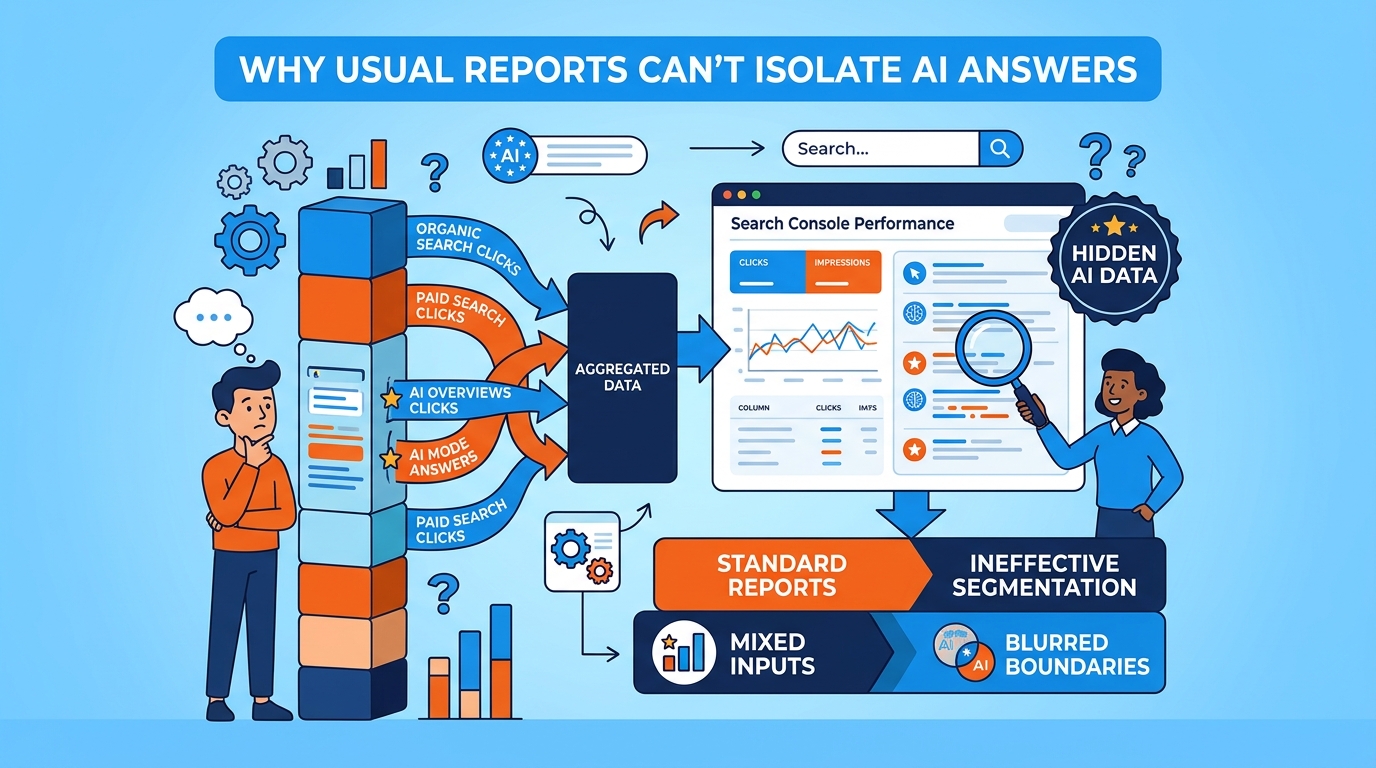
Search Console reports clicks from Google’s AI Overviews and AI Mode in its Performance report. They sit under the Web search type, mixed in with other search visits. So you cannot cleanly separate them in either GA4 or Search Console today.
Google tells you where to look. To measure how your content is doing in generative AI (artificial intelligence) features on Google Search and Discover, use the Generative AI performance report in Search Console.
The Search performance report is a different tool. It shows how many site visits you get from Google Search, with breakdowns by queries, pages, and countries.
One paper makes a point worth knowing. Citation visibility metrics (numbers that show how often a source is cited) should be treated as sample estimators of an underlying response distribution.
Translation? They’re rough estimates, drawn from a sample, of the spread of answers that could come back.
Here’s where I stand.
AI tools now give direct answers instead of lists of links. So I’ve stopped treating results-page position numbers as a success measure. A rank-tracking report can look great without telling me whether your practice gets found. And when it can’t see AI answers, I don’t count it as proof.
I measure AI visibility apart from search reports. Getting picked by an AI answer tool is its own discipline. It’s not old-school search work with a new name.
I don’t chase keywords, inbound links, or results-page position. These systems are working out who a business is and whether it’s credible. So I put the effort into making that easy for them.
Want to see what that measurement turns up? Read What an AI Visibility Check Reveals About Your Booking Pipeline.
Finding AI Assistant Visits in GA4
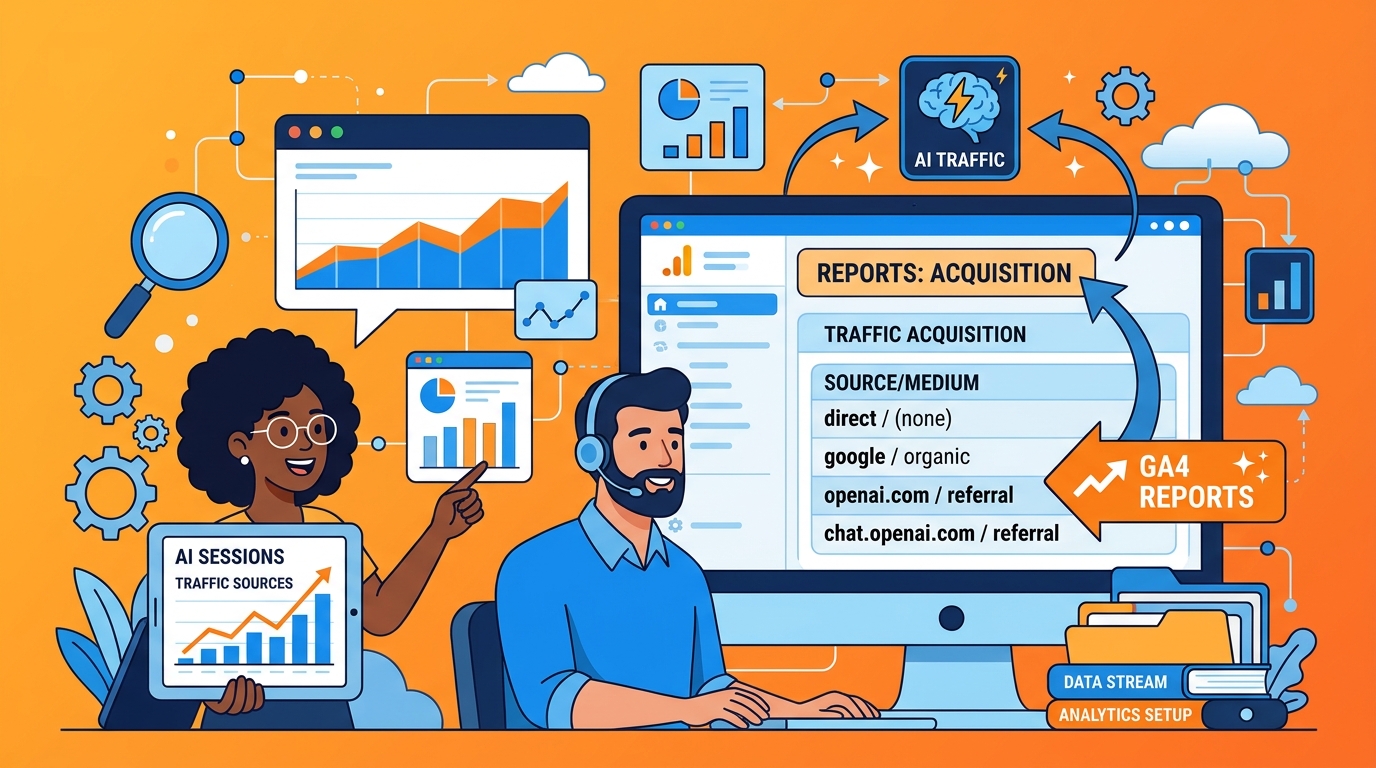
Here’s how to find ChatGPT visits in GA4.
Open Reports, then Acquisition, then Traffic acquisition. Switch the view to “Session source / medium” and look for chatgpt.com.
GA4 also has a default “AI Assistant” channel for visits from known AI sources. The default channel group puts sources like ChatGPT, Gemini, Deepseek, Copilot, and Grok in it.
What it leaves out: Google’s AI Overviews and AI Mode. Google counts those as Organic Search.
Here’s the limit.
A visit that arrives with no referrer (no sign of where it came from) lands in Direct. So treat every AI visit count as a floor. Not a total.
OpenAI says ChatGPT search automatically adds utm_source=chatgpt.com (a tracking tag) to the links it sends out. That means you can filter ChatGPT clicks by source.
Something changed recently. On May 13, 2026, Google Analytics added a built-in AI Assistant channel to its Default Channel Group.
It sorts visits from ChatGPT, Gemini, Claude, and other AI assistants automatically. No manual setup.
Run the report for at least 90 days.
Visits from AI tools are lumpy. They go up and down. A single month can mislead you.
Google won’t let you edit the default channel group. But you can create a custom channel group with your own rules.
Put the AI rule above Referral. That way the general referral bucket doesn’t swallow these visits.
Want the GA4 steps laid out? GTM 80/20 walks you through them in Track ChatGPT and AI Traffic in GA4 (2026).
What Google Business Profile Metrics Actually Count
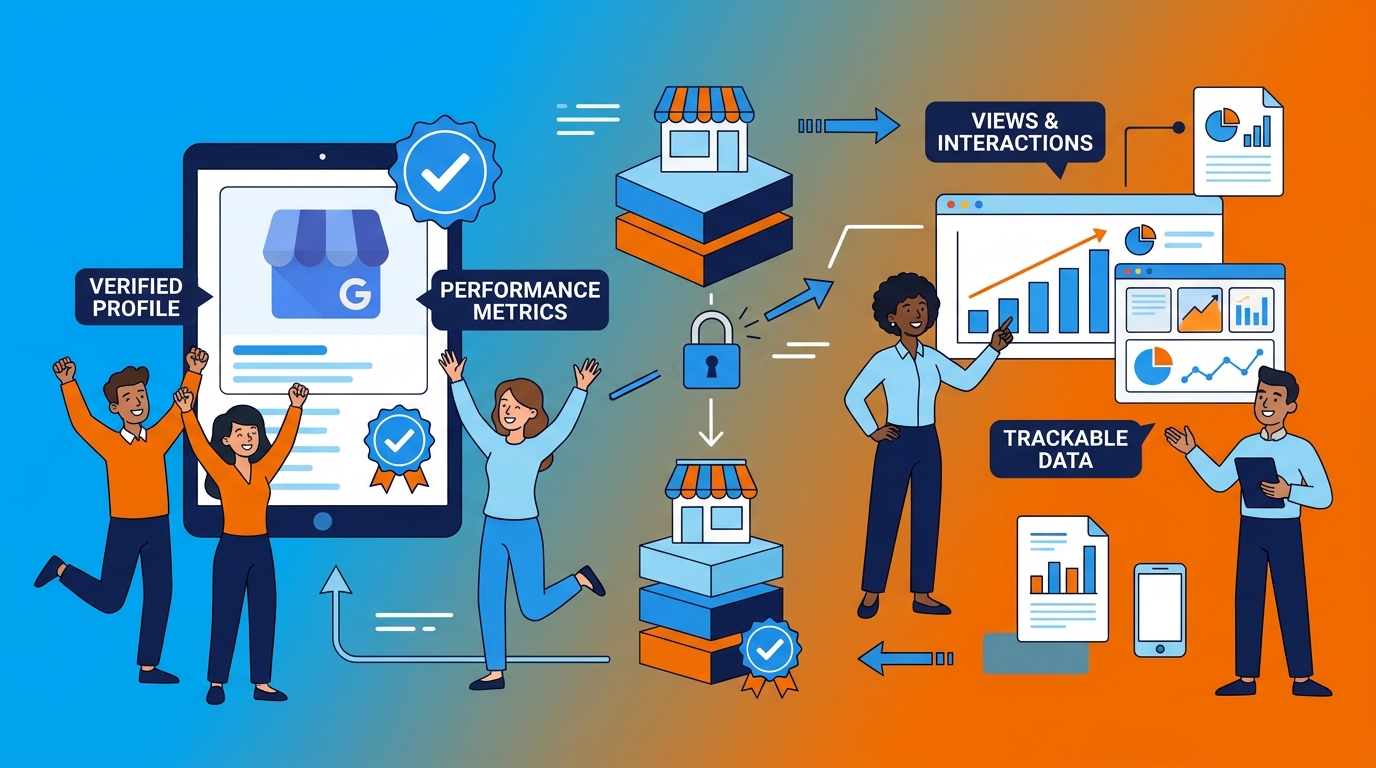
Performance data only shows up for verified profiles. It covers views, searches, and actions from both regular (organic) search results and Google Ads.
The searches number updates at the start of each month. It might take up to 5 days to show up.
The views number counts unique visitors who viewed your profile. A person can only be counted once a day.
The Calls number counts how many times a customer clicked the call button on your profile. You need to add your phone number to track it. The Bookings number counts the bookings people completed. You only get data for it if your bookings are managed through a booking provider.
Maps Agent calls Google’s Calls number the right first measure of direct profile-button activity. That means taps on the call button.
It’s not a count of answered calls. Not how long calls lasted. Not who the callers were. Not recorded conversations.
Maps Agent also notes something else. Google says Business Profile chat and call history have not been available since July 31, 2024.
CallTrackingMetrics says the data shows that a quarter of the actions people take on GBP listings are phone calls.
If you manage more than one profile, you can download performance data for several profiles at once in a spreadsheet. Then you can compare how your locations are doing.
This table shows what each Business Profile metric counts. And what it misses.
| Metric | What it counts | What it misses |
|---|---|---|
| Calls | Clicks on the call button; needs your phone number on the profile | Answered calls, call duration, caller identity, recorded conversations |
| Views | Unique visitors who viewed your profile | A second count of the same person on the same day |
| Searches | Updated at the start of each month | May take up to 5 days to show up |
| Bookings | Bookings people completed | No data unless bookings are managed through a booking provider |
Want Google’s exact definitions? They’re in Understand your Business Profile performance & insights.
Setting Up Call Tracking for New Patient Calls
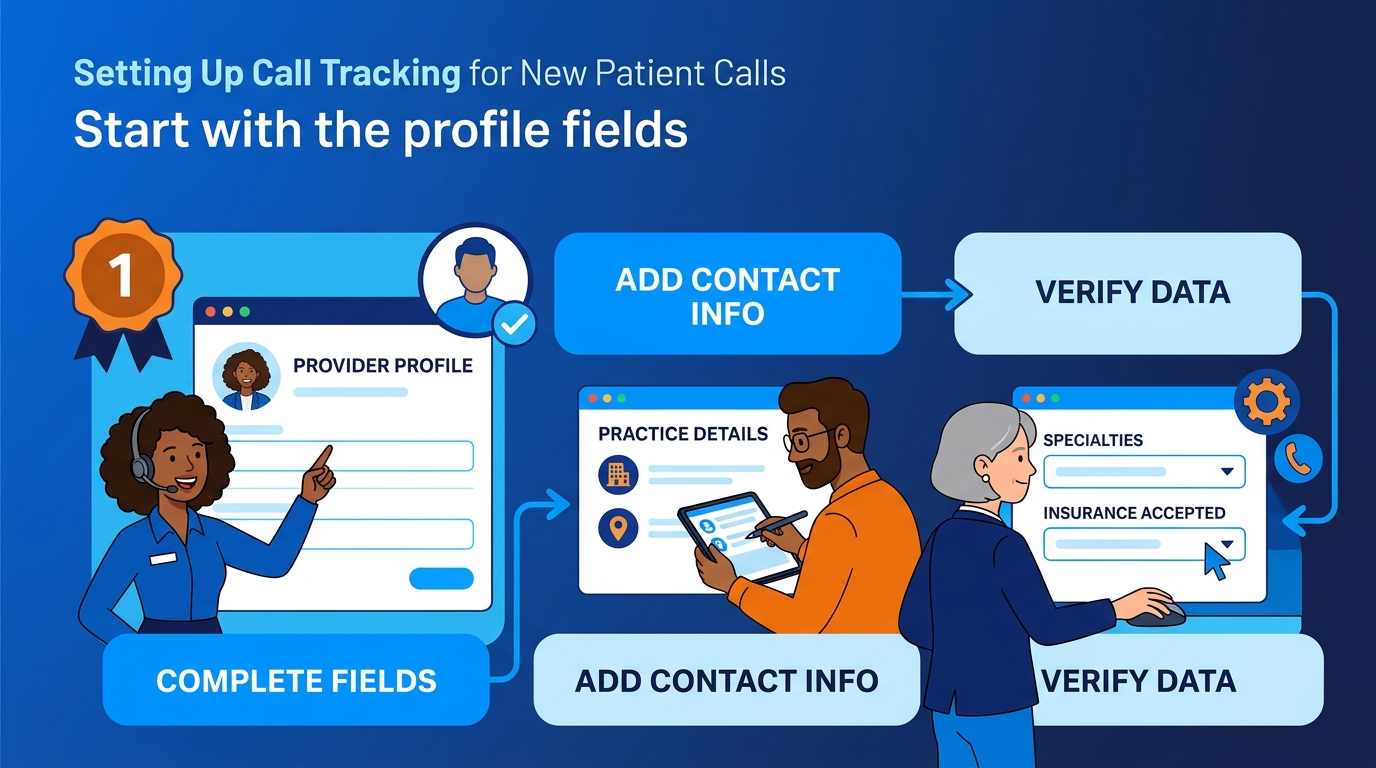
Start with the profile fields.
CallTrackingMetrics suggests one setup. Put the tracking number in the “Primary phone” field in your GBP. Then add your local business number in the “Additional phone” field. Their page is Yes, You Can Use a Call Tracking Number on a Google Business Profile.
Next, add tracking parameters to both the website field and the appointment field in your profile. Those are extra tracking codes added to a web link. Sterling Sky shows how in How to Track Calls on your Website from the Google Business Profile.
When you tag links, Google recommends using utm_source, utm_medium, and utm_campaign together.
Know Google’s rules before you start. Google’s Business Profile rules say your phone number must be under the direct control of your business. It should reach your location as directly as possible. It must not send people to numbers that are not your business’s own. Managed Nerds covers this in Call Tracking for Small Businesses: A Simple Setup Plan.
Google lets you list one main phone number plus up to two more. Mobile and landline numbers are allowed. Fax numbers are not.
Watch for overwrites. CallRail says directory services may overwrite the tracking number on a listing. If that happens, calls from that listing will not be tracked through the integration. Maps Agent has more in How to Track Google Business Profile Calls.
Call tracking shows you the calls. The AI Visibility Check page covers the AI side.
Why a Static Tracking Number Misses Callers
If your profile lists one fixed tracking number, you will miss some people. Say someone finds you through the profile, clicks through to your website, and then calls the number shown there. That call will not be tracked properly.
The fix is an onsite number. It’s a number that changes on your website depending on where the visitor came from.
Logging Every Call by Source
Add a tab to your lead sheet. Give it these columns:
- Date and time
- Source (from the tracking tool)
- Answered or missed
- Caller type: lead, existing customer, spam, or other
- Booked (yes or no)
- Job value
Why No Tool Credits the AI Conversation Itself
Picture a caller who researched a purchase in ChatGPT and closed the app. Later they typed a business’s name into Google, or just remembered the number. That call would reach the company’s phone system with no digital trail back to the AI conversation, unless the business runs call tracking.
Here’s what changed.
On June 8, 2026, Google Analytics added a direct link to Google Business Profiles. It pulls seven kinds of local interaction numbers into your Analytics reports in one place. One of them is phone calls placed through your Business Profile listing.
That link ties call counts to your regular local presence. But it can’t tell a call from a ChatGPT recommendation apart from a call that came from any other way people found you.
Google says the data shared when you link your Business Profile to Google Analytics is combined (aggregate) performance data for your profile. It can include interactions, website clicks, calls, directions, messages, bookings, and menu clicks.
I’d rather your practice be the source an AI names and draws on than one more listing in a directory. I aim for being relied on over merely being present. Even when no tool credits the call.
More on those uncredited calls is in The Silent Patient Drain: Calls That Never Happen After an AI Drop.
Asking New Patients How They Found You
Here’s what the data says.
A SparkToro study looked at more than 1,000 visits. All (100%) of the visits from TikTok, Slack, Discord, Mastodon, and WhatsApp were marked as “direct”. So were 3 out of 4 (75%) of the visits from Facebook Messenger.
Asking people fills some of that gap. Recast covers the method and its limits in ‘How did you hear about us?’ survey and the limitations of current measurement techniques.
The limits are real:
- Make the field optional, and nearly 3 in 10 people (nearly 30%) don’t fill out the form.
- People often have a hard time remembering how they first heard about a business. Their answers may lean toward more recent contacts. That’s called recency bias.
You can get the best of both worlds.
Make the question a free-text field, where people type their answers in their own words. Then build string-matching automation. That’s software that sorts and counts the typed answers for you.
Refine Labs’ attribution software, set up with the vendor’s default settings, named web search as the source for 78 percent of customers who converted. When those same customers were asked directly, they credited web search for only 12 percent of their journeys.
Eighty-five percent of all customers who converted said on their own that dark social was a meaningful touch on their path to buying. Dark social includes Slack direct messages, WhatsApp group chats, emails forwarded person to person, podcast mentions, and conference hallway talks. More and more, it also includes AI search summaries that show a brand without a referrer. Lead Gen Economy covers this in The Dark Funnel Is Real.
Timing matters too. In the vendors’ own testing data, putting a “how did you hear about us” question before someone converts cuts the form’s conversion rate by 8 to 15 percent. Putting it after they convert captures roughly 35 to 55 percent of converted users, with no measurable effect on conversions earlier in the process.
Frequently Asked Questions
Is it legal to record new patient calls?
It depends on your state. State law controls call recording, and the rules differ from state to state. Turn recording on? Use the tool’s recording announcement. And check with your attorney first.
Can I still use Google’s Business Calls API to track phone leads?
No. Google’s My Business Business Calls application programming interface (API) was deprecated (officially phased out) on May 30, 2023. Don’t build your tracking on it.
Does a site need to allow OpenAI’s search crawler to appear in ChatGPT search?
Yes. OpenAI’s publisher FAQ says sites must allow OAI-SearchBot, OpenAI’s search crawler, to be included in ChatGPT search answers. Block that crawler, and expect fewer of the tagged visits from ChatGPT search.
Can GA4 tell me whether a tap on our phone number became a booking?
No. GA4 can count a tap on your phone number. It can’t tell you whether someone called, how long you talked, or whether they booked. Call tracking and your lead sheet’s booked column cover that.
Putting the Measures Together
No single number shows the link between AI visibility and new patients.
You need three things, run together over time. Visibility tracking. Call tracking with a source log. And a question you ask.
Start with visibility. GA4’s default channel group has an AI Assistant channel for sources such as ChatGPT, Gemini, Deepseek, Copilot, and Grok. It leaves out Google’s AI Overviews and AI Mode. Google counts those as Organic Search.
Then log the calls. Add a tab to your lead sheet with these columns: date and time, source (from the tracking tool), answered or missed, caller type (lead, existing customer, spam, or other), booked (yes or no), and job value.
Then ask people. Make the question a free-text field. Build string-matching automation to sort and count the answers.
The iTech Valet Service Plans & Pricing page explains how we do the work. Want to see where AI stands on your practice today? Run My AI Visibility Check.