
Before you add anyone to a Google Business Profile, confirm that the right profile is claimed and verified. If you need to add or remove users, also confirm that you have Owner permission. Give someone the Owner role only when that person must manage users or ownership and your business has approved that authority. The U.S. Department of Health and Human Services (HHS) says regulated entities (groups covered by the health privacy rules) must make sure that all tracking technology vendors have signed a business associate agreement, and that there is an applicable permission, prior to a disclosure of protected health information.
Business Profile Access: What the Owner Approves
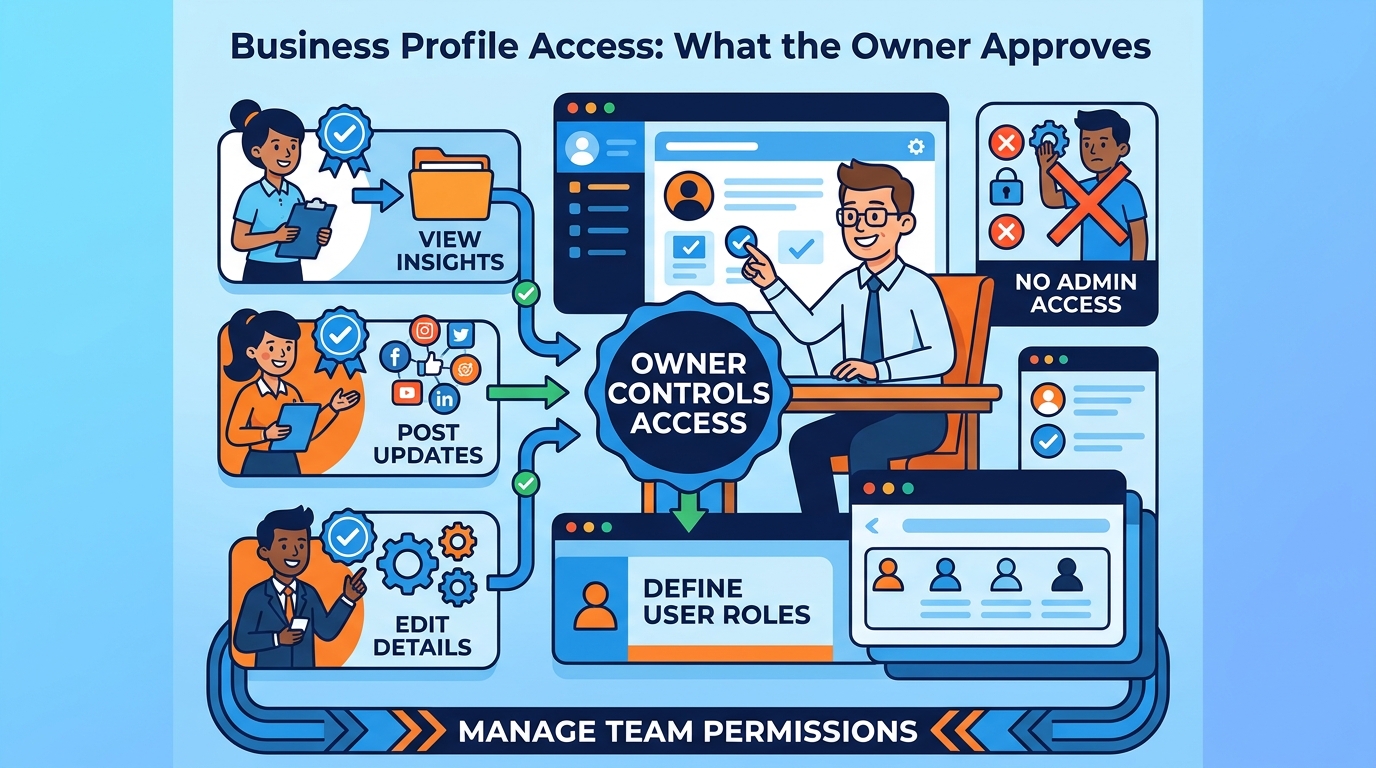
Here’s where it starts. On Google Business Profile, whoever creates or claims your Business Profile becomes the primary owner.
Before you add anyone, check two things. Is the right profile claimed and verified? And if you need to add or remove users, do you have Owner permission?
For an agency, an employee, or a contractor, Manager is usually the right role. Your business should keep primary ownership. And never share the password of the Google Account that controls your profile.
Give someone the Owner role only when that person must manage users or ownership, and your business has approved that authority.
New owners start with limits, too. When first added to the profile, owners have limited access to two sensitive functions for seven days.
Here’s each role or step, and what it means for you:
| Role or step | What it means |
|---|---|
| Before adding anyone | Confirm the right profile is claimed and verified and, if you need to add or remove users, that you have Owner permission |
| Primary owner | Whoever creates or claims the profile |
| Manager | Usually the right role for an agency, employee or contractor; the business should retain primary ownership |
| Owner-level access | Only when the person must manage users or ownership and the business has approved that authority |
| Newly added owner | Limited access to two sensitive functions for seven days |
Wondering what your front-desk staff do once work begins? That’s covered in Does Your Front Desk Need to Do Anything During Installation?. For the steps in detail, see Sterling Sky’s How to Add & Remove Managers from Your Google Business Profile and Elite Web Professionals’ How to Add a User to Google Business Profile Safely.
Tracking Vendors Need a Signed Business Associate Agreement First
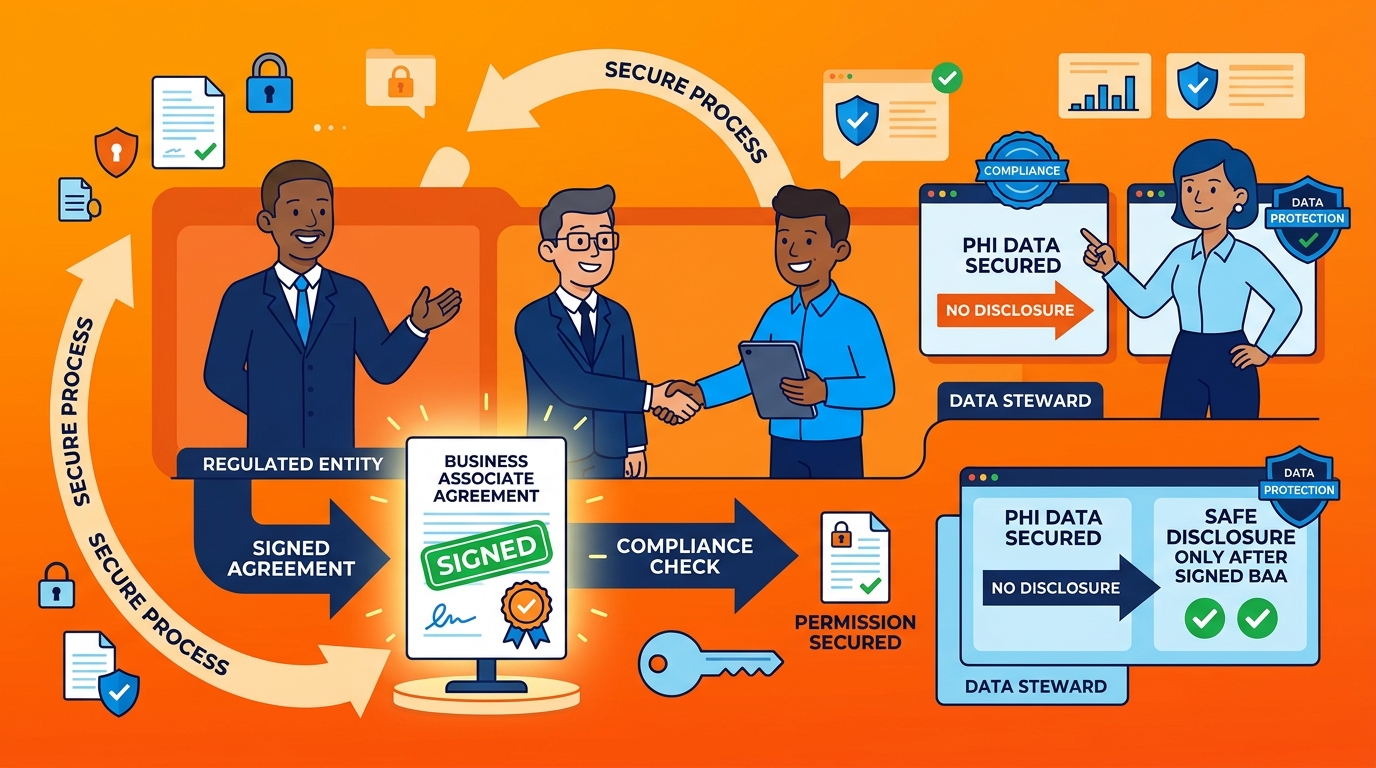
HHS says regulated entities must make sure that all tracking technology vendors have signed a business associate agreement (BAA), and that there is an applicable permission, prior to a disclosure of protected health information (PHI). A BAA is a contract on how the vendor must protect the information.
So when is a tracking vendor a business associate? HHS says it’s when the vendor creates, receives, maintains, or transmits PHI on behalf of a regulated entity for a covered function, such as health care operations.
HHS also says that any disclosure of PHI to a tracking technology vendor without individuals’ authorizations (written permission from the patients) needs two things. The vendor must have a signed BAA in place. And there must be an applicable Privacy Rule permission for the disclosure under HIPAA.
The agreement and the permission come first, before any PHI is disclosed. HHS lays this out in Use of Online Tracking Technologies by HIPAA Covered Entities and Business Associates.
Cloud Services That Hold Patient Data Need Their Own Agreement
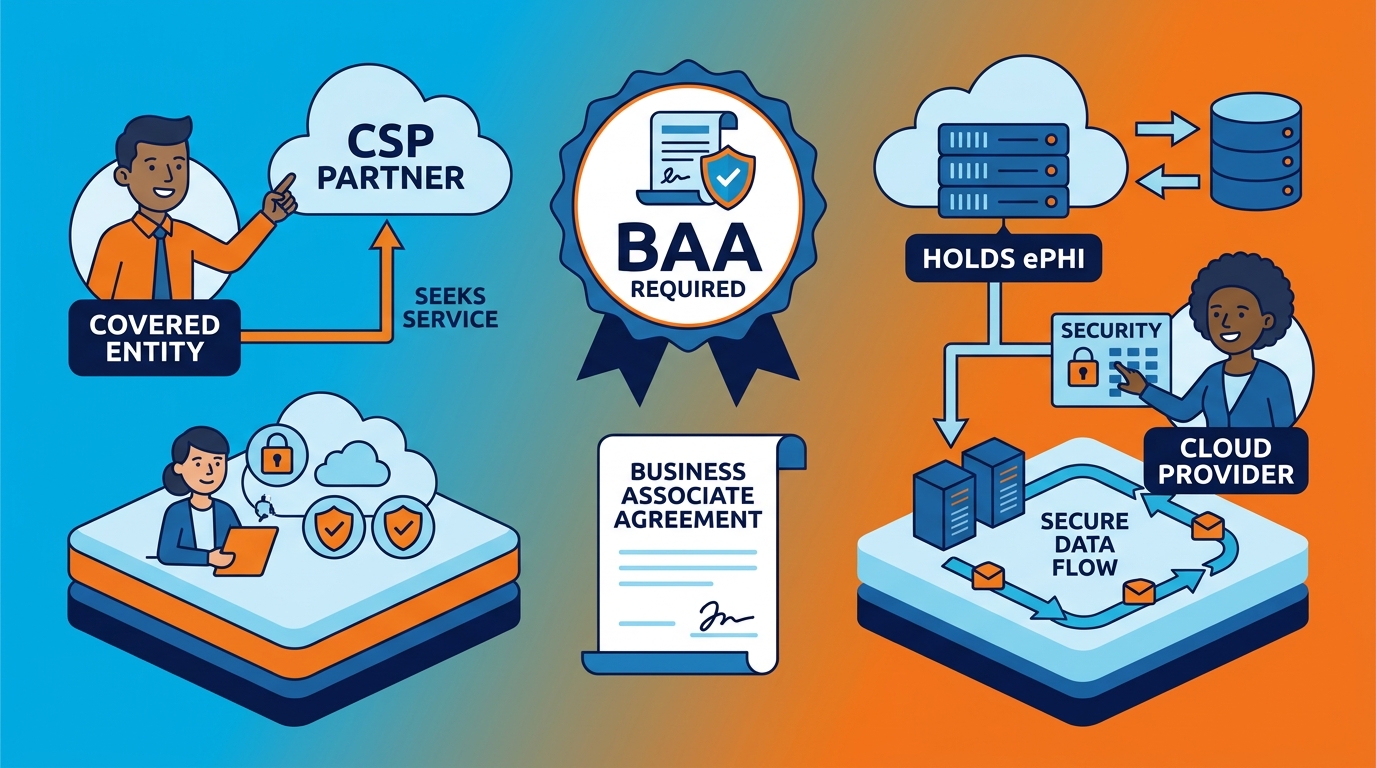
Can a covered entity (a business covered by HIPAA) use a cloud service provider (CSP) for electronic protected health information (ePHI)? Yes, HHS says. It can have the CSP create, receive, maintain, or transmit ePHI on its behalf, provided it enters into a HIPAA-compliant BAA with that CSP and otherwise complies with the HIPAA Rules. The same goes for a business associate, which is a company that handles this information for a covered entity.
If a covered entity uses a CSP to maintain ePHI, for example to process or store it, without a BAA, HHS says the covered entity is in violation of the HIPAA Rules. The same holds for a business associate.
Know what you’re buying. If you hire a cloud service provider, HHS says you should understand the provider’s cloud computing environment or solution. That’s how you do your own risk analysis, set your own risk management policies, and sign the right business associate agreements.
If you sign a service level agreement (SLA) with a CSP, make sure its terms are consistent with your BAA and the HIPAA Rules. An SLA is a contract that spells out the service the provider will deliver.
HHS covers all of this in Guidance on HIPAA & Cloud Computing.
Verifying the Website and Claiming the Knowledge Panel
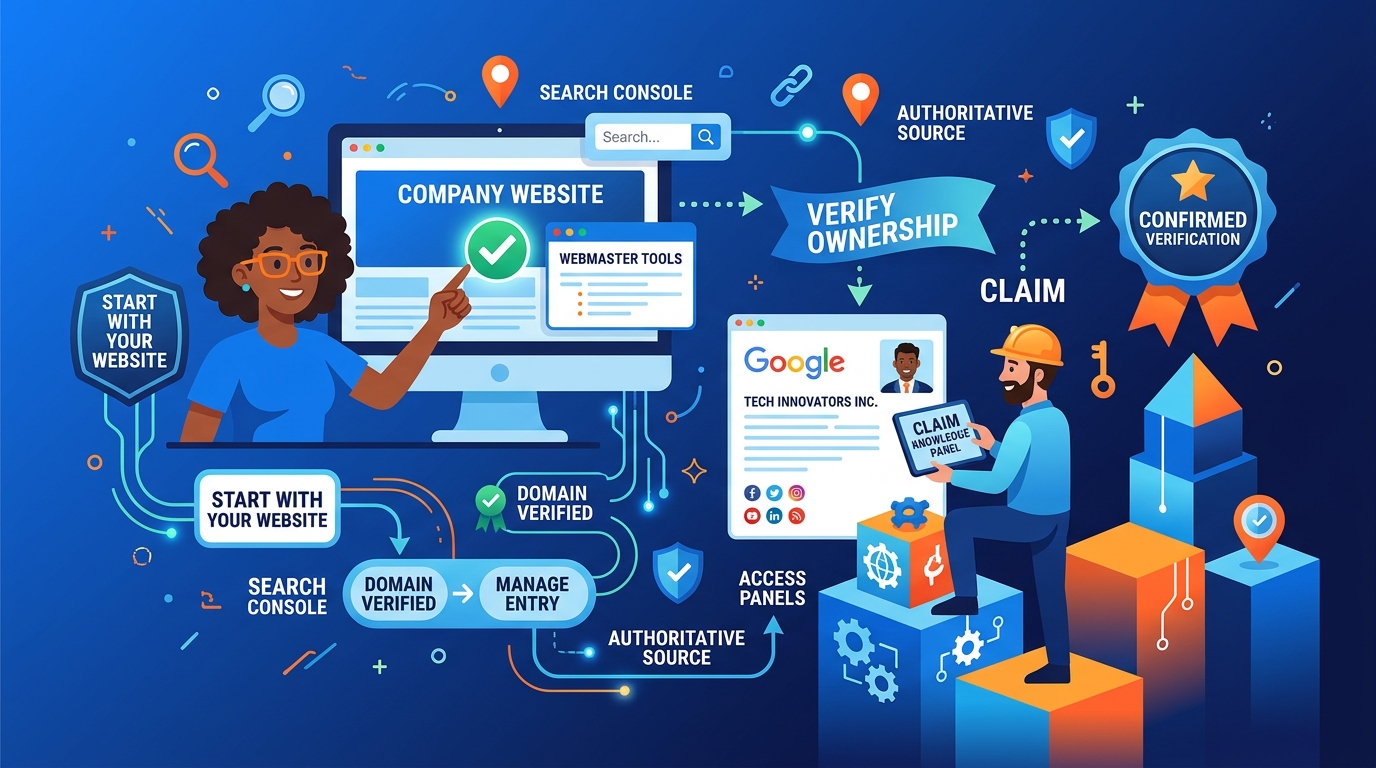
Start with your website. Google says you can improve how your official website looks and shows up in Search results by first establishing it with Google. That includes proving you own it in Search Console.
For the business, Google says you can manage how your business appears on Google Maps and Google Search by claiming your Business Profile. Once claimed, your local business information can show up in Google Maps and in Google’s knowledge panel (the info box about a business).
For local businesses, Google says there is a separate process of claiming that works through Google My Business. It lets local businesses manage special elements in their knowledge panels, such as opening hours and contact phone numbers. Google also says many knowledge panels can be claimed by the person or company they are about.
Get verified as an official representative, and Google says you can update your knowledge panel to override the information Google finds on its own.
I’d rather your practice be the verified official source an AI names and draws on than one more listing in a directory. I build for being relied on. Not just for being present.
How Long Each Stage of an Authority Build Actually Takes walks through the timing of each stage, and the iTech Valet Service Plans & Pricing page explains how the work is done.
Frequently Asked Questions
Can an agency remove the Business Profile or manage other users?
Not with the Manager role. On Google Business Profile, managers have all the same permissions as owners except two sensitive ones. Managers can’t remove a Business Profile. They can’t add or remove other users either. Only owners can add or remove users.
How often should profile access be reviewed?
Every quarter, meaning every three months. Review your owners, managers, and pending invitations. Remove access promptly when work ends. And write down who approved each Owner-level account.
Does telling patients about tracking in a privacy policy count as approval?
No. The Privacy Rule does not allow you to share protected health information with a tracking technology vendor based only on telling people in your privacy policy, notice, or terms of use that you plan to share it.
Does a cookie banner count as HIPAA authorization?
No. Website banners that ask users to accept or reject a website’s use of tracking technologies, such as cookies, do not constitute a valid HIPAA authorization. An authorization is a person’s formal permission.
Does the government certify cloud services as HIPAA-compliant?
No. The Office for Civil Rights, the U.S. office that enforces HIPAA, does not endorse, certify, or recommend specific technology or products.
Sign Off Before Work Starts
Three sign-offs come first.
First, confirm the right Google Business Profile is claimed and verified. If you need to add or remove users, confirm you have Owner permission too.
Second, make sure every tracking technology vendor has signed a business associate agreement, and that an applicable permission exists before any disclosure of protected health information. HHS says regulated entities, meaning groups covered by the health privacy rules, must do both.
Third, if a cloud provider will hold patient data, enter into a HIPAA-compliant business associate agreement with that provider and otherwise comply with the HIPAA Rules.
I don’t pick a provider on a low monthly price. I’d rather pay for work that builds something than lock money into a cheap contract that cuts corners on access and delivers thin work. I put effort and money into verified assets your practice keeps, and into clear, credible information about the practice itself. Visibility rented through ads ends when the spending does.
iTech Valet does AI Authority work for chiropractic practices: Answer Engine Optimization, AI Authority articles, and Authority Infrastructure, with white-glove execution where you do nothing. Want to see what AI engines pick up about your practice today? Run My AI Visibility Check.