
NavSEO’s scoring rule is “priority score = impact + confidence + effort + risk.” NavSEO also says, “If a finding blocks crawling or indexing of important pages, treat it as urgent even if the formula feels conservative,” and “Fix pages tied to revenue, leads, or strategic visibility before low-value archives.” Design In DC says, “Start with high-impact, low-effort, and high-dependency items first. These are your quick improvements and blockers.” The Digital Bloom says the 20% of fixes in the high-impact, low-effort quadrant typically drive 80% of the ranking and site-visit gains.
Score Every Finding Before Fixing Anything
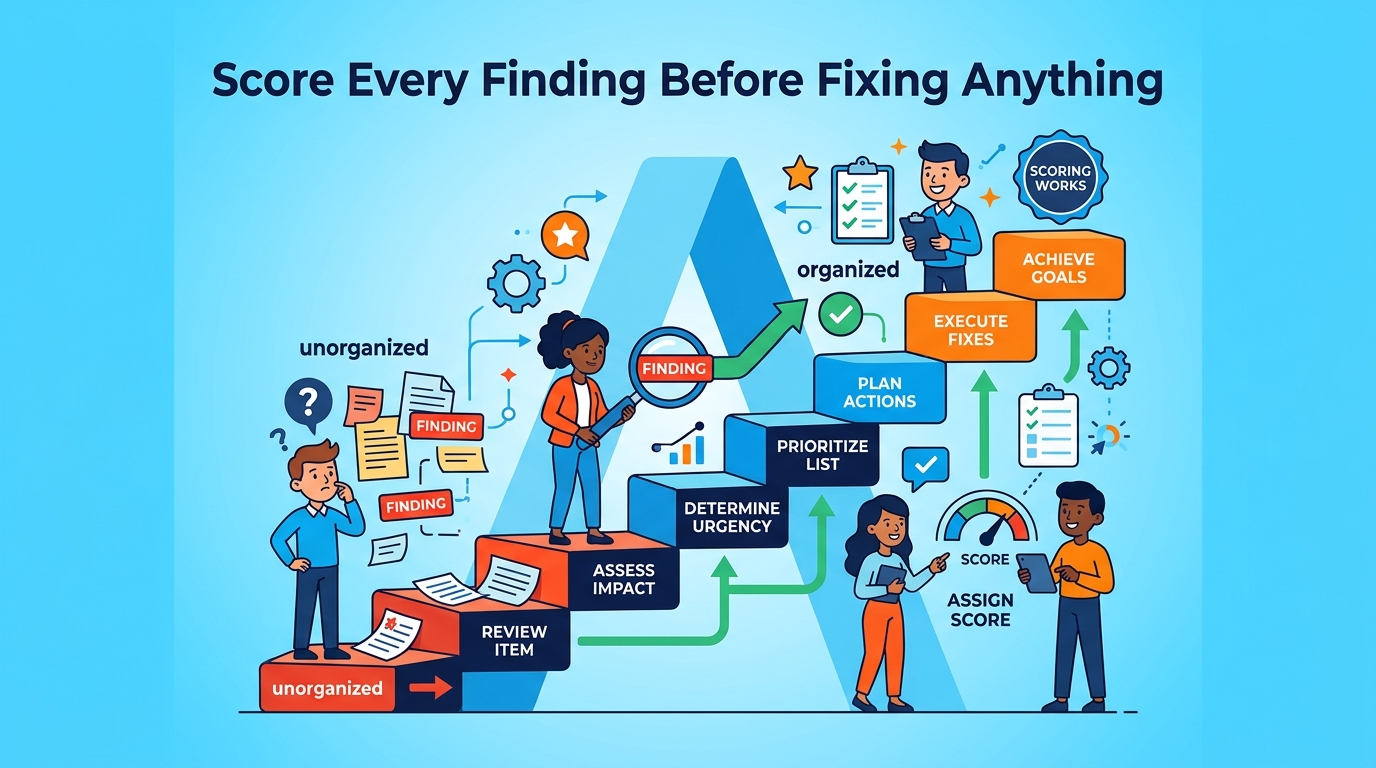
Here’s what most people miss.
Many agencies still sell the old search playbook. I won’t build a repair list from the audit priorities it hands down.
The conditions that playbook relied on have changed. That’s how I see it. I won’t make a practice pay for tactics aimed at a landscape that’s gone.
That’s on what the industry sells. Not on the practice.
Here’s where to go deeper.
A Prioritized Repair Order for Schema, Listings, and Content Gaps is iTech Valet’s page on repair order for schema, listings and content gaps. Interpreting Practice Diagnostic Results: A Complete Guide is its page on reading diagnostic results.
NavSEO’s rules in this section come from its SEO Audit Prioritization Template.
This table puts the ranking rules side by side.
| Rule | What it says |
|---|---|
| Additive priority score (NavSEO) | Impact + confidence + effort + risk |
| Ratio priority score (Subhajyoti Karmakar) | (Impact × Scale × Confidence) ÷ Effort; the numbers do not need to be perfect |
| Crawl or index blockers (NavSEO) | A finding that blocks crawling or indexing of important pages is urgent, even if the formula feels conservative |
| Page priority (NavSEO) | Pages tied to revenue, leads or strategic visibility before low-value archives |
| Order of work (Design In DC) | High-impact, low-effort and high-dependency items first: quick improvements and blockers |
Scoring each finding on impact, confidence, effort and risk
Start with NavSEO’s formula: “priority score = impact + confidence + effort + risk”.
Score each finding on those four parts. Then sort the list by the total.
Here’s another way to see it.
Subhajyoti Karmakar writes the score as a ratio: “Priority score (Impact × Scale × Confidence) ÷ Effort The numbers do not need to be perfect.”
Findings that jump the queue regardless of score
Some findings skip the line.
NavSEO says, “If a finding blocks crawling or indexing of important pages, treat it as urgent even if the formula feels conservative.”
Page choice matters too.
NavSEO says to fix pages tied to revenue, leads, or strategic visibility before low-value archives.
Design In DC says to start with high-impact, low-effort, and high-dependency items first.
They call these “your quick improvements and blockers.”
Here’s why that order works.
The Digital Bloom says about one in five (20%) of fixes sits in the high-impact, low-effort quadrant. Those typically drive about four-fifths (80%) of the ranking and site visits gains.
I pick a few well-chosen fixes over a long list of changes.
I don’t count on volume to get AI to recommend a business. More changes won’t do it. More publishing won’t either.
I build for information AI can grasp easily. Clear, factual content. In a sensible order. Not more of it.
Grouping, validating and pacing the fixes
NavSEO says to batch similar issues when the same owner can solve them together.
NavSEO also says to avoid findings that only say “best practice issue” without showing why it matters for this site.
Drop those from the roadmap.
Don’t rush it.
On pacing, NavSEO says, “Do not force every audit into four weeks. Use this as a planning shape, then adjust around team capacity.”
And don’t trust the tool blindly.
Subhajyoti Karmakar says, “Validate manually. Confirm the behavior in the browser and source. Tool warnings can be false positives or lack context.”
Phase 1: Fix What Blocks Crawling and Indexing
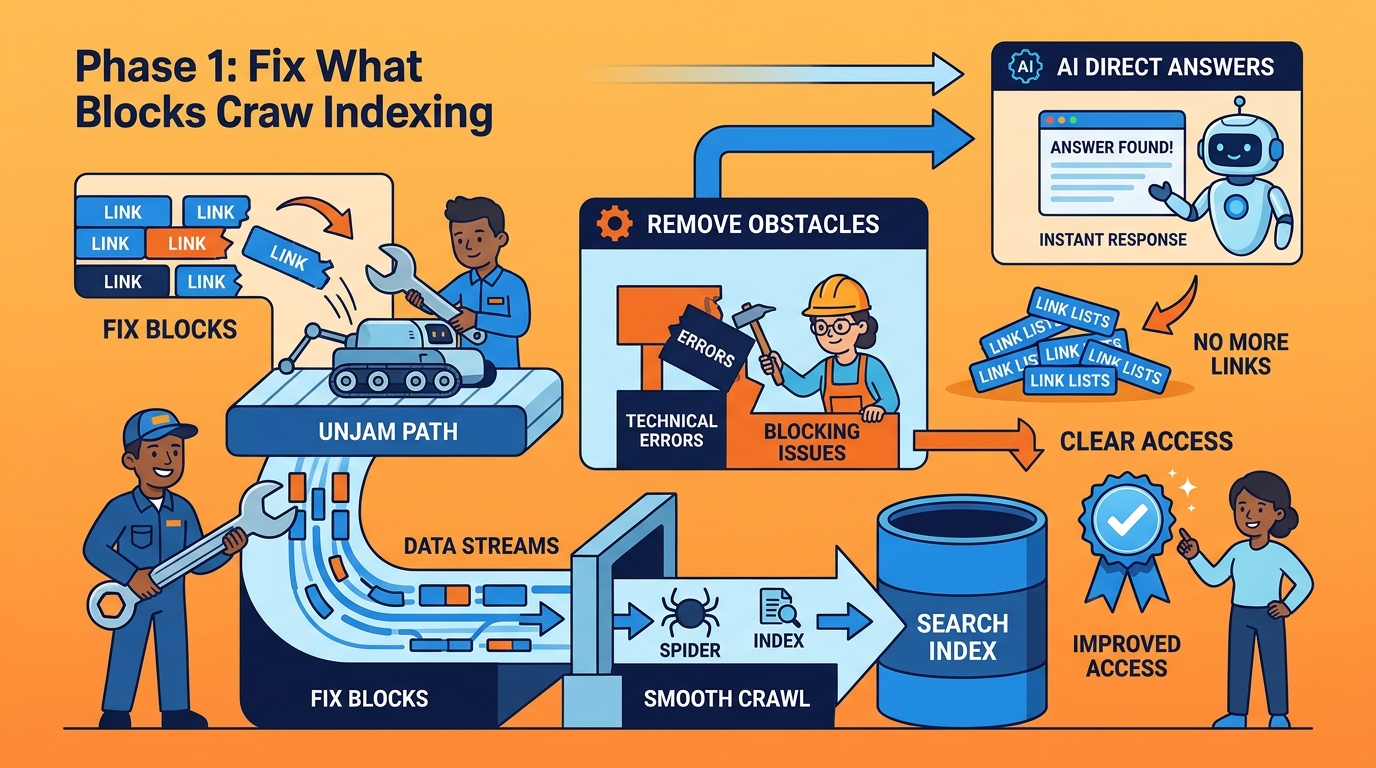
AI tools now give direct answers instead of lists of links. So I’ve stopped treating search position reports as a measure of success.
To me they look good without driving outcomes.
I fix indexing. I don’t track rank position.
Google’s Inspect and troubleshoot a single page – Search Console Help page documents the URL Inspection tool used in this phase.
Check what Google actually sees on each page
Start with the URL Inspection tool.
Google says Search Console’s URL Inspection tool shows what Google knows about a specific page on your site.
Look at the last crawl date first.
Google explains: “Last crawl: When Google last visited the page. All Google index information on the page was generated on that date. If you made any changes since this date, they won’t be reflected in Google Search.”
Look at structured data next.
Google says that if it finds any structured data on the page, each type found gets its own section. Each section has information about any errors encountered.
Google’s developer documentation gives a simple test.
Deploy a few pages that include your structured data. Then use the URL Inspection tool to test how Google sees the page.
Fix indexing and duplicate-URL problems
Indexed doesn’t mean shown.
Google says “URL is on Google” isn’t a guarantee of appearing in Search results.
It also says being indexed doesn’t guarantee the page will be shown on Google. But it’s a necessary first step.
The error type matters.
Google says that if a crawling fetch fails for a 500-level reason, Google will probably continue to show the last version in search results.
For a 400-level reason, Google probably won’t continue serving the page.
Duplicates don’t get indexed.
Google marks duplicate URLs as “Not indexed” in the Google Index results. The Page indexing verdict says it is a duplicate URL.
Here’s how Google finds your pages.
Google says it finds most pages by following links from other pages, or by reading a sitemap that you’ve posted.
Google’s developer documentation says that when you create a sitemap, you’re telling search engines which URLs you prefer to show in search results.
Same content under different URLs? Choose the URL you prefer. Put that one in the sitemap. Not all the URLs that lead to the same content.
Confirm the fix: re-inspect, then request indexing
Fixed it? Prove it.
Google says to inspect the page again by clicking Test live URL.
If the problem is fixed, click Request indexing. That tells Google the page has changed and is ready for another index attempt.
What structured data, sitemaps and page speed will and won’t do
- Structured data: Subhajyoti Karmakar says to validate eligibility. But remember, valid structured data does not guarantee a rich result.
- Sitemaps: Karmakar says XML sitemaps support discovery. They do not guarantee indexing.
- Page speed: Google’s developer documentation describes Core Web Vitals as a set of metrics that measure real-world user experience. They cover loading performance, interactivity, and visual stability of the page.
Phase 2: Correct the Google Business Profile
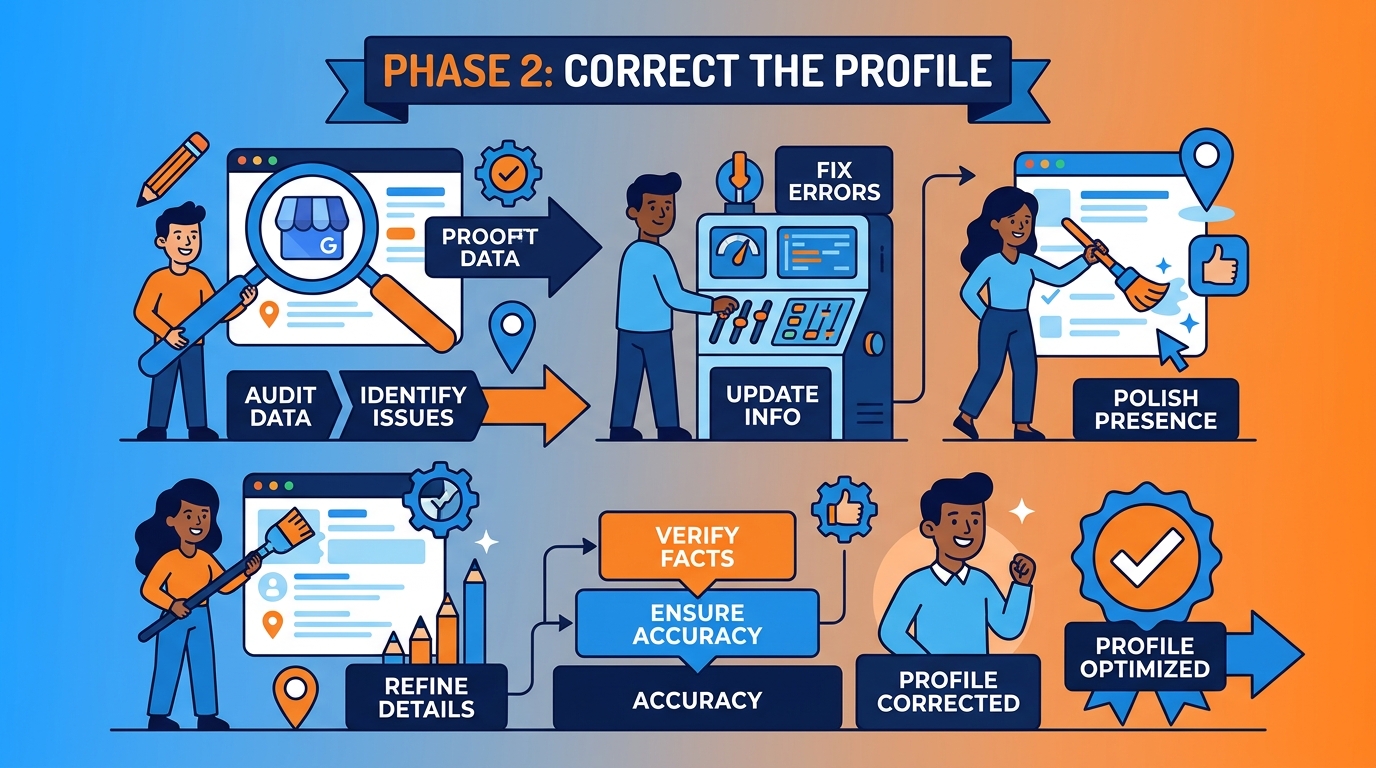
Here’s how I see it.
Getting picked by AI answer tools is its own discipline. It’s not classic search work under a new name.
I don’t chase keywords, inbound links or ranking position.
As I read them, AI systems are trying to work out who a company is. And whether it’s credible. So I make that easy for them. I start with a profile record AI can confirm as the practice.
The AI Visibility Check is iTech Valet’s check of how AI sees a business.
Two guides worth your time.
SearchScope’s guide is Stop Bad Suggested Edits to Your Google Business Profile.
Localplus’s guide is Google Changed My Business Information: How to Fix It.
Why corrected profile details keep reverting
Here’s the cause.
SearchScope says, “If your correct information keeps reverting after you fix it, the cause is almost always conflicting citations.”
Localplus says Google shows its own changes in blue text.
Black or white text? That means a field has no Google update.
Localplus quotes Google: “To help keep your Business Profile accurate, Google gathers info from different sources, like user reports and licensed content.”
Localplus also says, “Your own website, first and always. Crawled web content is on Google’s source list, with your official site as the named example.”
Localplus also notes one more thing. Google’s updates page says blank fields in bulk uploads may get automatic updates.
Edits Google blocks, flags or holds
SearchScope says Google labels the state of any edit. Accepted. Not approved. Or Pending.
A pending edit usually clears in about ten minutes. But it can take up to 30 days.
For scale, SearchScope says Google blocked 79 million inaccurate or unverified edits in 2025.
It says Google now runs its Gemini models over suggested edits. It blocks policy-violating ones before they publish.
Google has also begun rolling out proactive email alerts. Owners can review important edits before they go live.
SearchScope has a warning.
Moving a pin a large distance from the owner account can itself trigger re-verification. Or even a suspension.
A profile marked closed, and the end of public Q&A
Localplus says the profile might be marked closed because the business moved or changed its name. If so, Google tells you to create a new profile for the new identity.
Don’t reopen the old one.
Google’s developer documentation says the My Business Q&A API was discontinued on November 3, 2025.
SearchScope says Google retired public Q&A on Business Profiles through late 2025.
So the old advice to police your Q&A thread no longer applies.
Matching the practice against federal provider records
CMS is blunt about this.
There’s no way to “opt out” or “suppress” the NPPES record data for health care providers with active NPIs.
CMS describes the NPI Registry as a query-only database. It’s updated daily. It lets users query the NPPES (for example, by NPI or provider name) and retrieve the FOIA-disclosable data from the search results.
Look up the practice there. Compare it with the profile.
A study published on PubMed Central reports what its qualitative evaluation found. Here are the challenges: providers who changed their names, moved or listed different addresses in each database, had name misspellings in either record, or had incorrect taxonomies associated with their provider information in the federal database.
Check the practice’s record for each one.
Phase 3: Clean Up Citations Across Directories
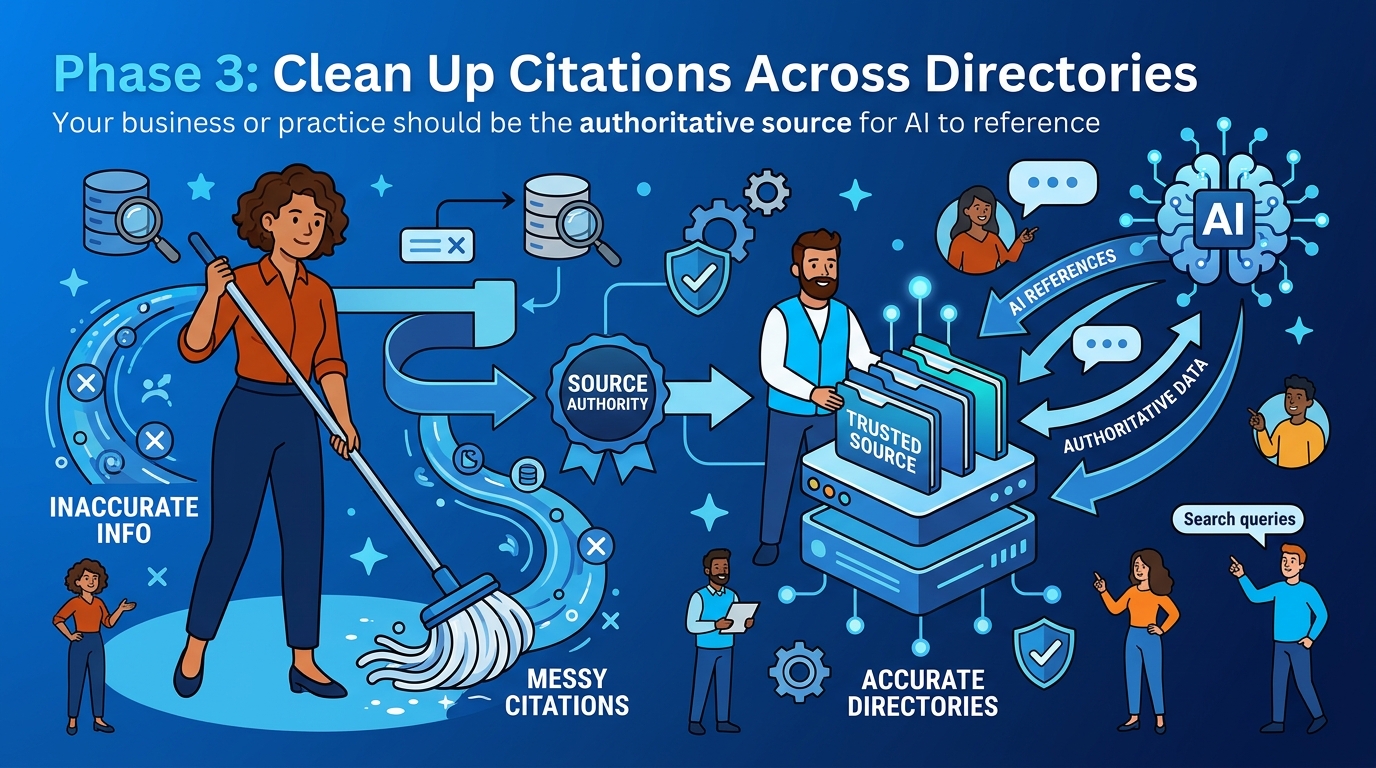
I’d rather a practice be the source an AI names and draws on. Not just show up somewhere in a directory.
So I treat directories as sources AI draws on.
The steps here follow Chris Brannan’s How to Audit Your Own Local Citations (DIY).
Fix phone numbers and core details first
Chris Brannan says, “Wrong or old phone numbers. They send customers to someone else. Fix first.”
He says if you use call tracking, keep the tracking numbers off your citations.
Your main number is the one that should be everywhere.
Work through aggregators and trade directories
Brannan names the aggregators. Data Axle, Neustar Localeze and Foursquare.
He says they feed many smaller directories. And if they hold your old details, they’ll keep overwriting fixes you make downstream.
Medical or dental practice? Brannan lists Healthgrades, Vitals, WebMD, Doctor.com and Zocdoc, plus the state professional associations.
Brannan says corrections sent through the data aggregators take weeks to reach the sites they feed.
Why directories matter to AI answers
Brannan asked ChatGPT local buying questions several times each.
He reports the sources it cited were mostly directories, review sites and “best of” lists. Rarely a business’s own website.
Give Every Fix an Owner, Evidence and a Check-In Date
Subhajyoti Karmakar says to write an implementation-ready ticket.
His words: “Include examples, expected behavior, acceptance criteria, ownership and measurement.”
The Digital Bloom says to estimate the revenue at stake.
Take the site’s known conversion rate and average order value. Apply them to the organic site visits the pages should be receiving but are not.
Design In DC says to keep a changelog of every audit fix.
Document what was changed. When. By whom. And why.
Karmakar says to capture the baseline before implementation.
Then set a realistic review window. Base it on crawl frequency, page importance and the type of change.
Why Your Rating Won’t Improve Overnight: The Refresh Cycle Explained is iTech Valet’s page on the refresh cycle.
Karmakar also warns, “Do not attribute every performance change to the technical fix. Seasonality, content changes, links, competitors and search-system updates may also influence results.”
His full piece is How to Prioritize Technical SEO Fixes by Business Impact.
Keeping the Roadmap Current After the First Round of Fixes
Here’s where I put a practice’s effort and money.
Visibility built on what it controls. Clear, credible information about itself.
In my experience, that kind of visibility keeps paying off. And it grows.
Visibility bought through ads or paid placements stops when the spending stops.
So I keep watching the data the practice owns.
Design In DC says to schedule a technical audit at least twice a year. Or after any major site change.
Its full piece is Technical SEO Audit Fixes.
The Digital Bloom says monthly crawl-error checks, quarterly content and backlink reviews, and an annual full audit turn the audit snapshot into a durable performance program.
It adds that local sites add Google Business Profile completeness, NAP consistency, and citation audits.
Its guide is SEO Audit Guide & Checklist (2026).
For the Business Profile, SearchScope says to check “weekly at minimum. In a competitive local market, or after a previous malicious edit, daily is worth it.”
It prices two monitoring tools.
For Falcon Guard, ten cents ($0.10) is the per-location monthly rate. And $1 is the minimum charge.
| Tool | Cost and feature |
|---|---|
| Local Falcon Falcon Guard | $0.10 per location per month with a $1 minimum; alerts you when a monitored field changes |
| Whitespark Local Platform | About $1 per location per month; one-click revert of a Google update, plus bulk reject |
SearchScope calls Whitespark’s Local Platform “the one that actually reverts.”
Frequently Asked Questions
Can ChatGPT run the technical side of this audit?
No.
The Digital Bloom says AI tools such as ChatGPT can speed up content gap analysis. They can draft recommendations from data you supply.
But they can’t crawl your site. They can’t read log files. They can’t measure live Core Web Vitals.
Those tasks need dedicated audit tools.
Does a green check in an audit tool mean the fix worked?
Not on its own.
Design In DC says green checks in audit software do not guarantee better rankings or site visits.
So confirm the behavior on the page. Then compare against your baseline when the review window ends.
Does Search Console show data from before the practice set it up?
No.
The Digital Bloom says the data is only collected from the moment of verification. There’s no retroactive history.
So verify the practice’s site early. The history starts building sooner.
How often should citations be rechecked after the cleanup?
Every quarter.
Chris Brannan says to rerun the scan or the phone-number search each quarter. Look for new duplicates.
Get the Roadmap Built and Run for You
Here’s my advice.
Steer clear of low-priced monthly agency deals for running a roadmap like this.
In my experience, they look like a bargain. Then they cost more. Thin work. Little real progress. Money tied up in a contract that doesn’t build anything.
The Local AI Authority Engine is the full-stack authority infrastructure rebuild. Plus ongoing monthly AEO content execution. It’s for local service-based businesses, primarily chiropractors.
It’s built for practices that own one market.
The National AI Authority Engine is built for businesses that compete beyond a single city.
Execution is white-glove. The client does nothing.
Already have infrastructure? AEO Content Writing Services is a standalone content-only offering. Pick a Local Pack (12 articles) or a National Pack (30 articles).
The iTech Valet Service Plans & Pricing page explains how the work is done.
Ready to see where AI stands on your practice today?