The work is done white-glove style, and you do nothing. Google Business Profile video verification is one continuous, unedited recording made in the Google Maps app on your phone. Do not make changes to your Google Business Profile while a verification is pending. Editing your business name, address, or category during the review window can invalidate the submission and force you to start over.
What the Install Asks of the Front Desk
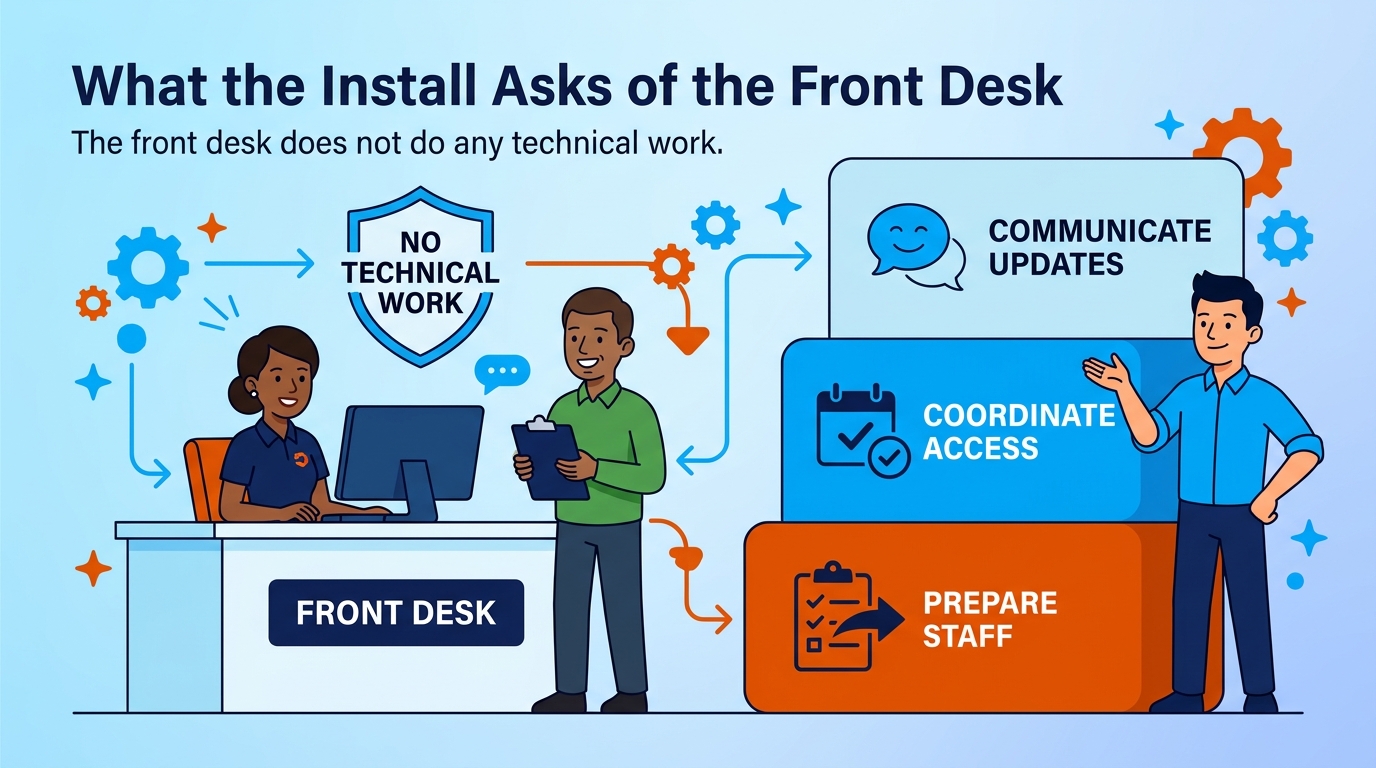
Your front desk doesn’t do any technical work during the install. The work is done white-glove style. You do nothing.
Want to know who signs off before work starts? That’s set out in Who Needs to Approve What Before Installation Can Start?. And if you want to see how the full build fits together, it’s laid out in Setting Up a Full AI Authority Engine: How the Pieces Fit Together.
When Google Asks for a Verification Video
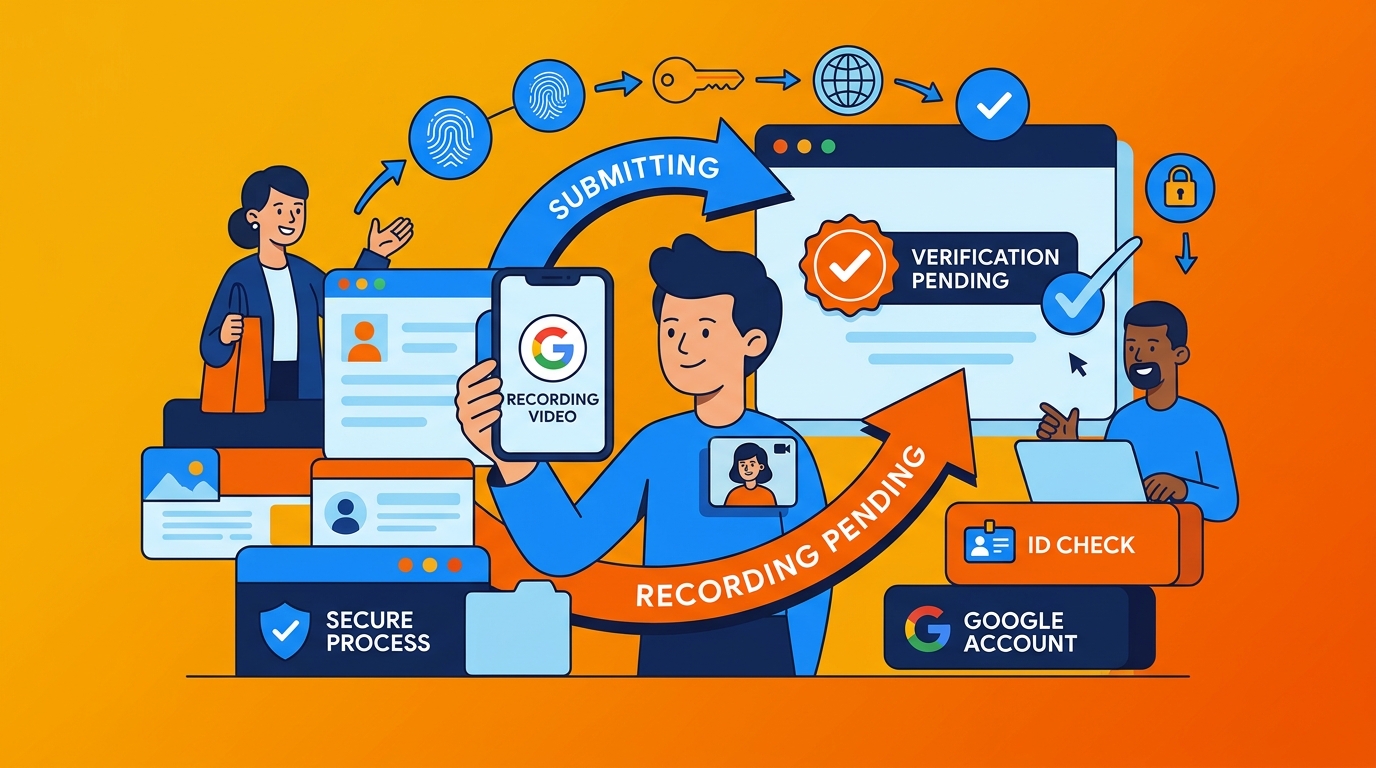
There’s one hands-on moment that can come up. Google may ask for a video to verify your Business Profile. Google Business Profile video verification is one nonstop recording with no edits, and you make it in the Google Maps app on your phone.
The video has to show that you manage the business. You can do any of these:
- Unlock the front door.
- Open a cash register.
- Go into a staff-only area.
- Log into a point-of-sale system, the system you use to ring up sales.
- Show official business documents, like a license, utility bill, or lease.
Wiremo walks through the steps in How to Pass GBP Video Verification on Your First Try (2026 Checklist). For timing on the other stages, see How Long Each Stage of an Authority Build Actually Takes.
Mistakes That Get Verification Rejected or Restarted
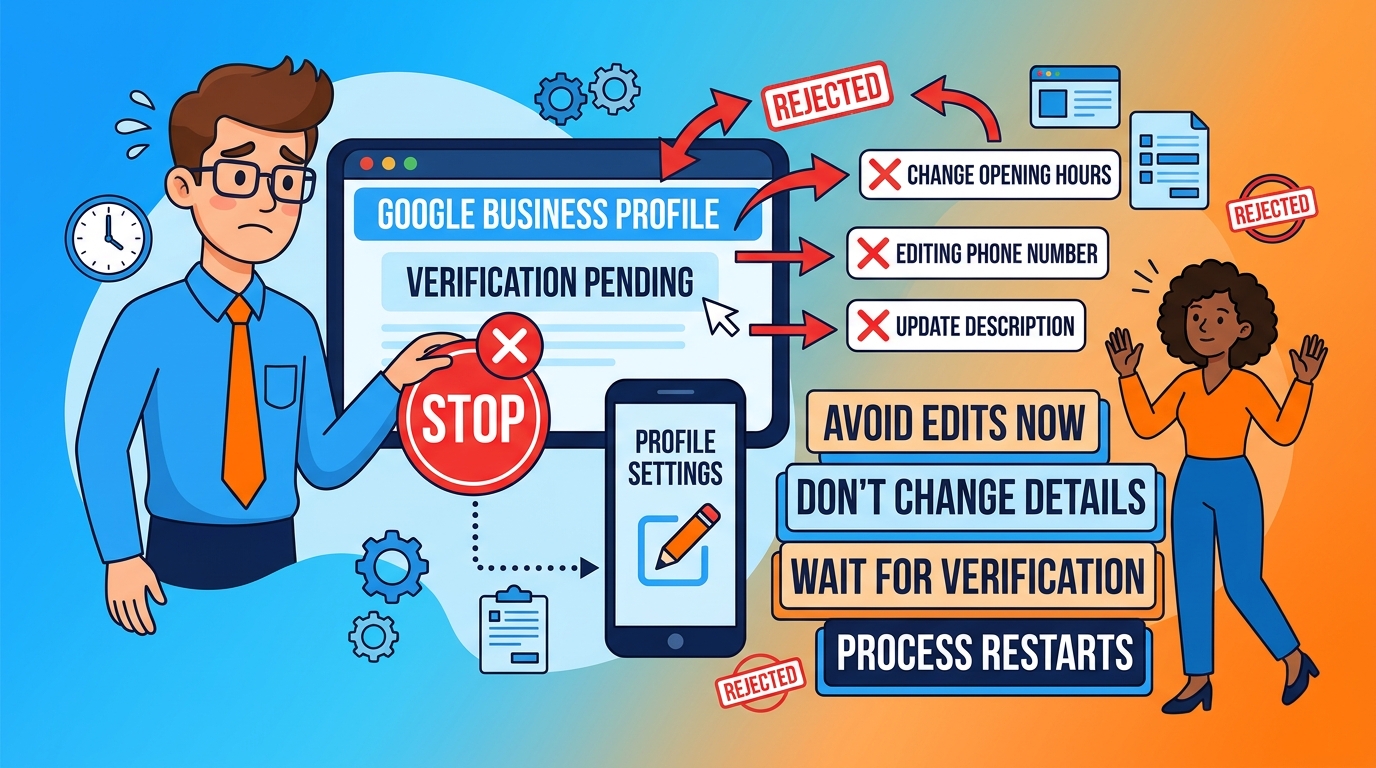
Don’t make changes to your Google Business Profile while a verification is pending. If you edit your business name, address, or category during the review window, you can invalidate the submission and force yourself to start over.
The most common cause of rejection is not the video quality. It is inconsistencies between the video content and the profile details.
So before you record, check that your business name, address, and phone number match on your website, Yelp, Facebook, and the other major directories.
One more trap is your connection. If your phone switches between Wi-Fi and mobile data while the video is uploading, Google may see the video as not continuous and reject it.
Major changes to your profile, like the business name, address, or primary category, can trigger mandatory re-verification. Wiremo lists these in How to Pass GBP Video Verification on Your First Try (2026 Checklist).
The table below matches each mistake to what it causes.
| Mistake | What it causes |
|---|---|
| Editing name, address or category while verification is pending | Can invalidate the submission and force you to start over |
| Video doesn’t match the profile details | Most common cause of rejection |
| Switching Wi-Fi and mobile data during upload | Google may read the video as discontinuous and reject it |
| Major changes to name, address or primary category | Can trigger mandatory re-verification |
What Accurate, Consistent Details Do for the Practice
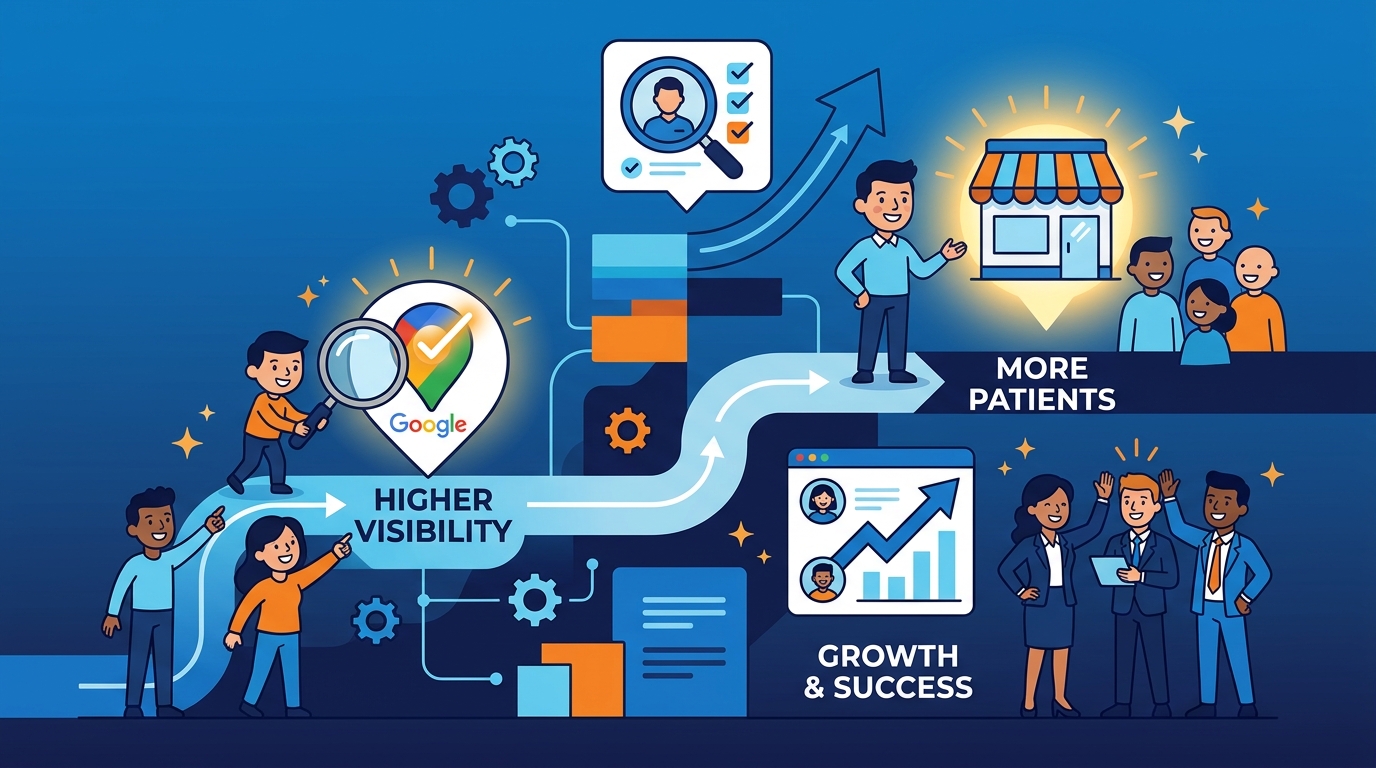
Here’s what Google says: businesses with complete and accurate information are more likely to show up in local search results.
Trust works the same way. In the Local Business Discovery and Trust Report 2023, consumers said correct and consistent business information was necessary to build trust with a business. BrightLocal reports that finding in its Local Consumer Review Survey 2024.
Build your visibility on the clear, credible details you control. Not on ads and paid placements. That’s where I’d put your effort and money first. Details you own are yours to keep building on. Bought visibility stops the day the spending stops.
Judge your staff’s effort by accuracy, not amount. I’d take one set of correct, matching details, laid out clearly and in a sensible order, over any volume of posting. I don’t believe frequency is what gets a practice recommended by AI. AI favors the businesses whose information it can grasp easily.
After Install: Answering Reviews
Replying to reviews is the light task that continues after the install. More than 9 in 10 consumers (93%) would expect a business to respond to their reviews. About 9 in 10 (88%) would use a business that responds to both positive and negative reviews, compared to fewer than half (47%) who said they would consider using a business that doesn’t respond to any reviews.
About 3 in 4 consumers (77%) use at least two review platforms in their business research. These numbers come from BrightLocal’s Local Consumer Review Survey 2024.
Want to know how the work gets done? It’s explained on the iTech Valet Service Plans & Pricing page.
Frequently Asked Questions
Who has to record the verification video?
You do. You must record it in the Google Maps app on your mobile device, signed in to the same Google account that manages your Business Profile. Videos from a desktop computer and videos recorded ahead of time are not accepted.
What if Google rejects the verification video?
Open the Google Maps app and tap “Review issues.” It shows you the exact reason the video was rejected.
How fast should the practice reply to a new review?
Almost 9 in 10 consumers (87%) said they expect review responses within two weeks. Only about 1 in 25 (4%) feel it doesn’t matter when they get one.
A smaller group, about 1 in 3 consumers (34%), expects a response within two to three days of posting. The two numbers describe different windows. Two weeks is the outer limit most people expect. Two to three days is what a third of them expect.
What happens if nobody answers a suggested edit from Google?
Once Google tells you about a suggested change to your Business Profile, you have four days (4 days) to accept or reject it.
What Your Staff Will Spend Time On
Your staff’s time comes down to a possible verification video and replies to reviews. The rest is done white-glove style, and you do nothing.
Steer clear of cheap monthly agency deals. They can look like a bargain and still cost you more: thin work, little real progress, money tied up in a contract that builds nothing, and staff hours spent covering the gaps.
iTech Valet does answer engine optimization (AEO) and AI Authority work for local service businesses, chiropractic practices first, so that AI assistants recommend them by name. Want to see whether AI recommends your practice today? Run My AI Visibility Check.