
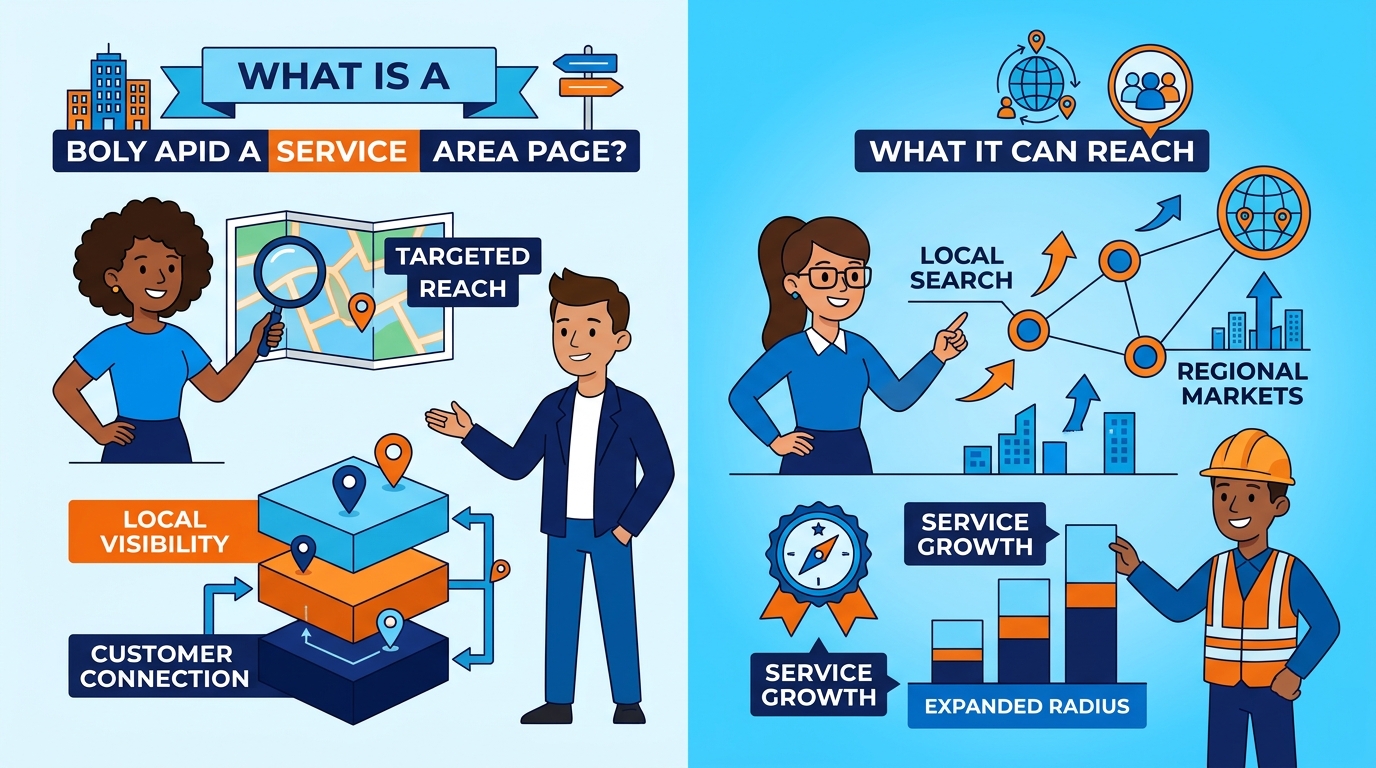
A service area page is a page on your website that shows your services for one set area. Strong service area pages may help you show up more in the regular results below the local pack. Each city or area page must have its own different content, with notes on local conditions, local rules, or one-of-a-kind case studies.
What a Service Area Page Is and What It Can Reach
Let’s start with the basics.
BrightLocal says it plainly: “A service area page, or SAP, is a specific page on your website highlighting services for a defined geographic area.”
Here’s the problem with reaching nearby cities.
Google’s local pack tends to favor businesses with an address in the city being searched.
So say you’re an HVAC company based in Irving. You might not show up in the pack when people search for Dallas.
Strong service area pages may help you show up more in the organic results below that pack.
Both points come from BrightLocal’s guide to service area pages for local search visibility.
Weighing a branch office against one big metro page?
Satellite Offices vs Metro-Wide Service Pages: What Works? compares a branch office with pages that cover the whole metro.
Markup has a spot for this too.
Coverage goes in Schema.org’s areaServed property. Schema.org defines it as “the geographic area where a service or offered item is provided.”
Between 1 million and 10 million websites (1M to 10M domains) use it. That’s based on monthly aggregations from Google’s web index.
The definition is at areaServed – Schema.org Property.
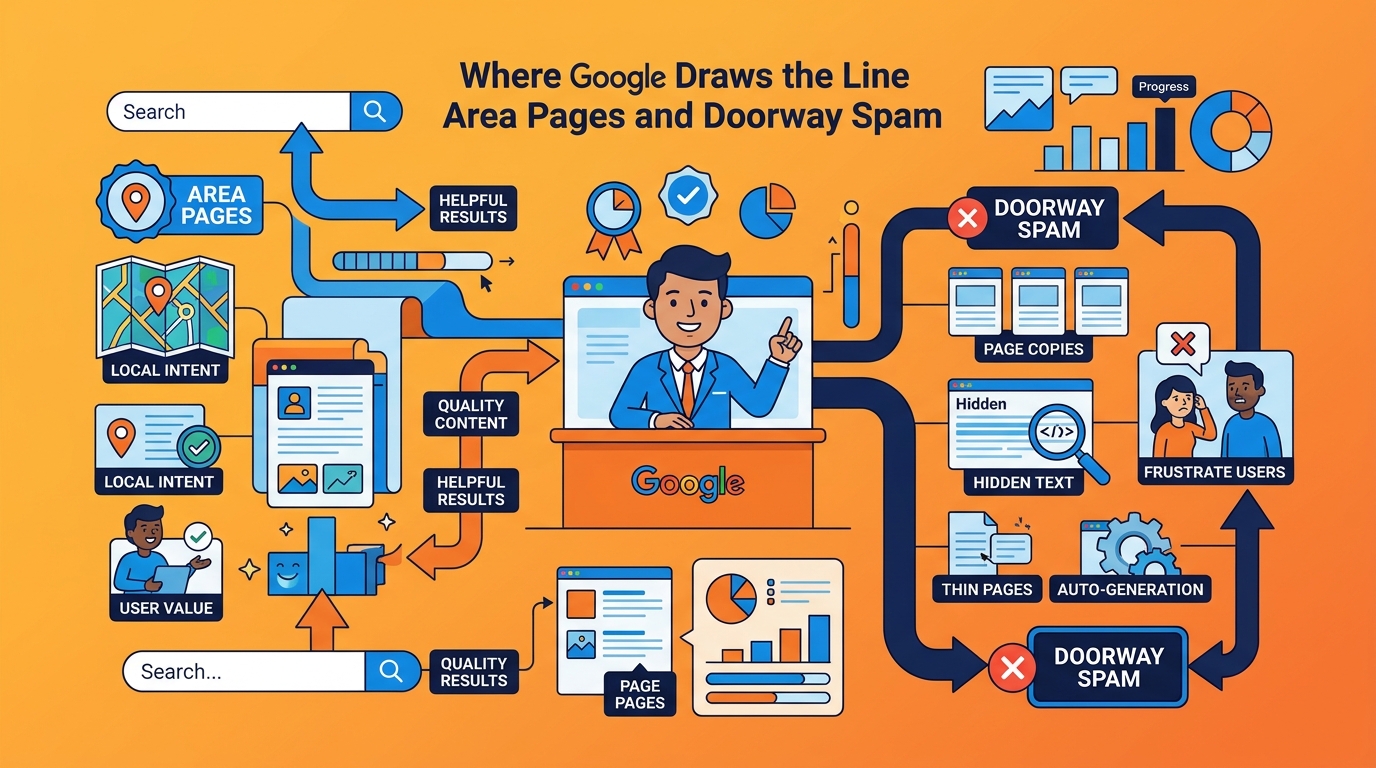
Where Google Draws the Line Between Area Pages and Doorway Spam
Here’s the rulebook.
Google’s spam policies apply to all web search results. That includes results from Google’s own properties.
The policies cover common spam practices. But Google may act against any type of spam it detects.
In Google Search, spam means tricks. Tricks used to fool people or to game Google’s Search systems into showing content up front.
That includes trying to push content high in the results. It also includes trying to sway the AI-made answers in Google Search.
The full rules are in Spam policies for Google web search.
What Google Calls Doorway and Scaled Abuse
Doorway abuse is simple.
Sites or pages get made to rank for specific, similar searches. They send people to in-between pages that aren’t as useful as the final destination.
Here are Google’s examples:
- Having multiple domain names or pages aimed at certain regions or cities that funnel people to one page.
- Blocks of text that list cities and regions a web page is trying to rank for.
Google also names scaled content abuse.
That’s when many pages get made mainly to game search rankings. Not to help people.
One example Google gives: using generative AI tools, or other tools like them, to make many pages that add nothing for people.
The penalty is real.
Sites that break Google’s policies may rank lower in results. Or not appear in results at all.
Here’s the side-by-side.
The table puts the patterns Google names next to Townsmith’s tests for a location page.
| Pattern Google’s spam policies name | Townsmith on location pages |
|---|---|
| Doorway: multiple domain names or pages targeted at specific regions or cities that funnel users to one page | A town page that says something true and specific about that town is a location page |
| Doorway: blocks of text that list cities and regions a page is trying to rank for | The doorway rule does not say location pages are spam and does not set a number of pages that is too many |
| Scaled content abuse: generative AI or similar tools generating many pages without adding value for users | Swap test: if two location pages still read as true with their place names swapped, they are substitutable, which is exactly what a doorway page is |
The Swap Test for Real Location Pages
Here’s a test you can run today.
Take any two of your location pages. Swap their place names. If each one still reads as true, the pages are substitutable.
And substitutable is exactly what a doorway page is.
That test comes from Townsmith’s guide to doorway pages and how to avoid them.
Here’s what the doorway rule doesn’t do.
It doesn’t say location pages are spam. It doesn’t set a number of pages that’s too many.
A town page that says something true and specific about that town is a location page. Like the jobs you do there. Or how far you travel.
Townsmith points this out too.
Here’s where I stand.
I treat getting picked by AI answer tools as its own discipline. Not old search work under a new name.
I don’t chase keywords. I don’t chase inbound links. I don’t chase a spot in the list.
These systems are trying to figure out who a company is. And whether it’s credible. That’s the view I work from.
So I skip doorway tactics. I put the effort into making a business’s coverage easy for them to read.
I also won’t sell the page-for-every-town padding that many agencies still offer. To me that’s a flaw in what the industry sells. It was built for conditions that have changed, and clients end up paying for tactics aimed at a landscape that’s gone.
Titles, Headings and Links on a Metro Service Page
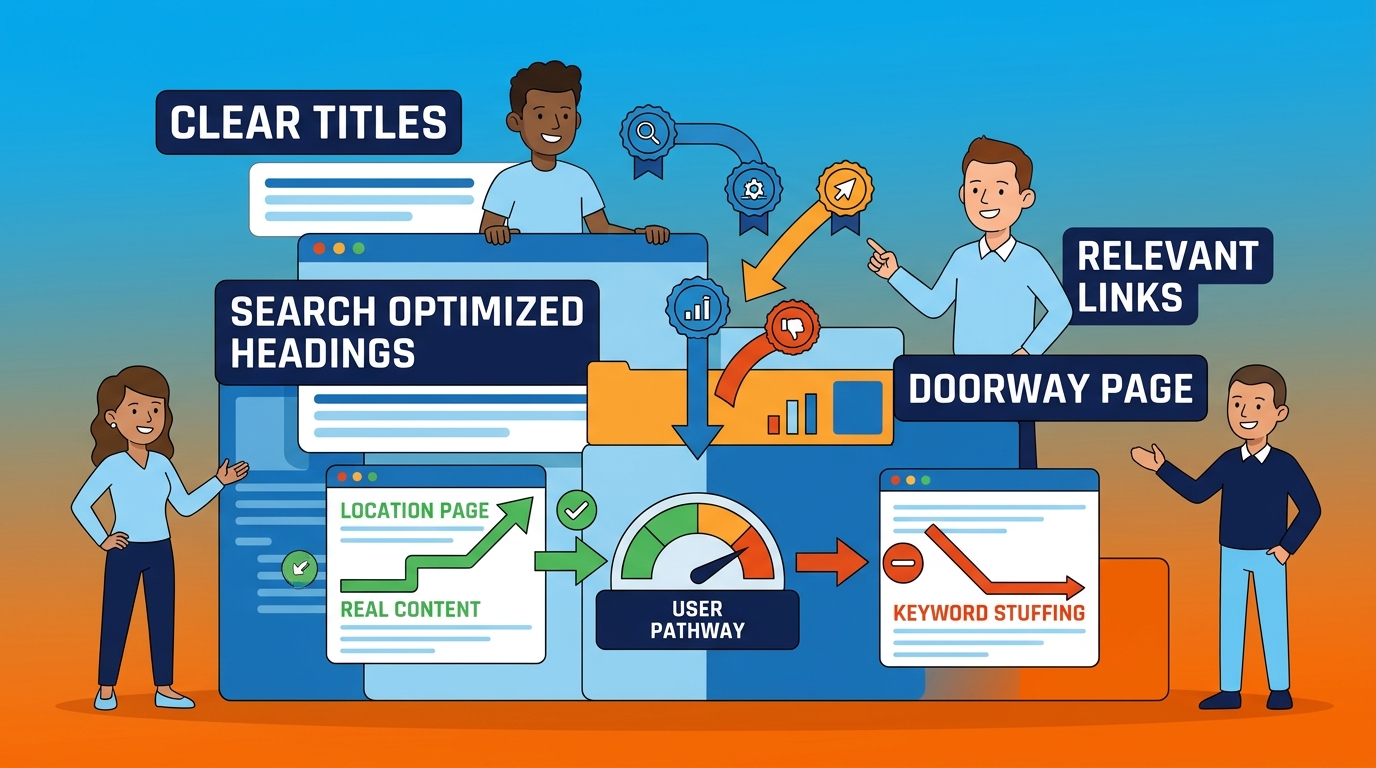
Three things decide whether a page reads as a location page or a doorway.
Naming the region. Linking between area pages. Handling nearby suburbs.
RicketyRoo looks at that line in Location Pages: What Crosses the Line to Doorway Abuse & Spammy Content?
Titles and Headings That Name the Region
Here’s what BrightLocal says about titles.
Include your main keyword. Include the region’s name. Add something that sets you apart.
Lower-level headings (H2, H3) work for subtopics. Like “Top AC Problems in Pensacola” or “Why Pensacola Homeowners Trust Us.”
Now the city name. BrightLocal’s advice is simple.
Put it in headings. Once or twice in the body. Maybe once in the CTA.
Internal Links That Point to the Right Page, Not Every Page
Google says anchor text matters.
The better your anchor text, the easier it is for people to get around your site. It’s also easier for Google to understand what the linked page is about.
RicketyRoo says these internal links are worth less than in-context links.
It adds something else. An alphabetical list of locations in the footer, or right in the middle of the homepage, isn’t the friendliest experience for visitors.
Naming Suburbs on a Principal-City Page and Cutting Areas You Can’t Defend
Here’s the good news. RicketyRoo says it’s completely fine to mention more than one place on one page.
Your page targets a principal city? Then mentioning the surrounding inner-ring suburbs or neighboring towns is helpful. Not spammy.
Townsmith’s rule is blunt.
Pages for areas you can’t defend get consolidated into a parent page. Or deleted.
Adding Distinct Local Content and Schema to Each Page
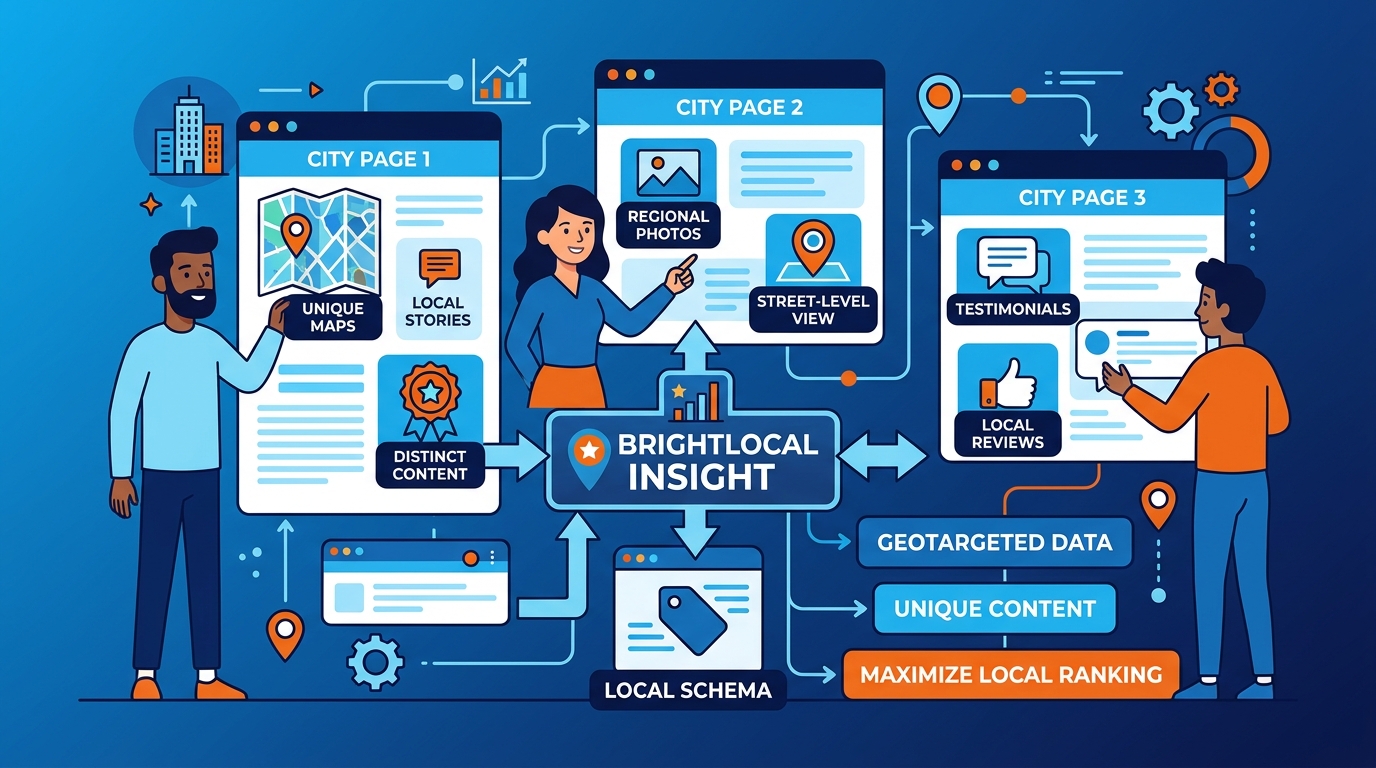
BrightLocal says each city or region page must have distinct content.
Notes on local conditions. Local rules. Unique case studies.
I don’t publish for volume.
I’d take one page of clear, factual local content in a sensible order over a stack of thin pages.
Here’s why. I work from the view that AI favors businesses whose information it can grasp easily. Not businesses that produce the most.
BrightLocal covers schema too. Here’s what they say:
- You can add LocalBusiness or Service markup to your service area page. List your business name, phone number, and location details.
- Got multiple service area pages? Use schema the same way across them. That can tie your local search signals together.
BrightLocal says a short FAQ block helps traditional search optimization. It also boosts conversions.
More detail is in BrightLocal’s guide to service area pages for local search visibility.
RicketyRoo says clear messaging about how you serve the area builds credibility. It avoids confusion too.
That means no faked address. And no hint that you’re located somewhere you aren’t.
Matching Your Pages to Google Business Profile Service Areas
PPC Land sets out the Business Profile limits in Google bans countries and states from Business Profile service areas.
The 20 service area limit hasn’t changed.
Service areas must stay within about 2 hours of driving time from where your business is based.
You can’t set your service area as a radius around your business. You have to list cities, postal codes, or other defined areas. A hybrid business can show its storefront address, set the hours when its staff is available, and also have a service area.
Local search rankings depend on relevance, distance, and prominence. Complete, accurate business information helps Google match you to searches.
Wondering which clinic AI assistants name across a whole county?
What Shapes Which Clinic Assistants Name Across a County covers it.
Structuring Practice and Practitioner Profiles Behind the Page
Here’s how profiles get organized.
Sterling Sky’s Guidelines for Representing Your Business on Google set it out:
- Different locations, each with its own service area and its own staff? You can have one profile for each location.
- Doctors, dentists, lawyers, financial planners, and insurance or real estate agents all count as individual practitioners.
- The organization should create a Business Profile for the location. Separate from the practitioner’s profile.
- Rent a physical mailing address but don’t operate out of it? That’s a virtual office. It isn’t eligible for a Google Business Profile.
- Use as few categories as you can from the provided list to describe your core business.
Thinking about another clinic?
Multi-Clinic Expansion and AI Recommendations: What to Know Before You Start covers what to settle first.
Frequently Asked Questions
Is accordion or tabbed content on a service page considered hidden text?
No. Not for you, anyway. Google’s spam policies say accordion or tabbed content that toggles between hiding and showing more content doesn’t break the hidden-text rule. Use them.
Can I add a whole state or country as a service area?
No. On June 24, 2025, Google updated its Business Profile service area guidelines. They now explicitly ban adding countries or states as service areas. Don’t list them.
Should a practitioner have a separate Business Profile for each specialization?
No. Sterling Sky says a practitioner shouldn’t have multiple Business Profiles to cover all of their specializations. Create one Business Profile, named in this format: [brand/company]: [practitioner name].
What should I do with a weaker location page that competes with a stronger one?
Merge it into the stronger, broader regional page. RicketyRoo says that can keep the weaker content’s authority. Your visitors get a better experience too.
Why do some location pages show as ‘Crawled – currently not indexed’?
Because Google isn’t impressed. RicketyRoo says pages like these often end up in Crawled – currently not indexed in Google Search Console. That’s a clear sign. Treat it like one.
Cover the Metro With Pages You Own
Here’s Townsmith’s test.
A town page that says something true and specific about its town is a location page. Pages that still read true with their place names swapped are doorways.
Google sees it the same way. City-targeted pages that funnel users to one page are doorway abuse. So are blocks of text listing cities to rank for.
A metro setup that stays on the right side of that line does a handful of things. It names the region in titles and headings. It links in context. It shows how you serve each area without faking an address. It stays within your Business Profile service areas.
And it consolidates or deletes pages for areas you can’t defend.
I advise putting effort and money into assets a business controls. That means clear, credible information about itself.
Why? I count on that visibility to keep paying off and grow.
Ads and paid placements are rented visibility. The spending stops. The visibility stops.
I build pages to own authority. Not rent attention.
iTech Valet’s AEO Content Writing Services come as a Local Pack (12 articles) or a National Pack (30 articles).
It’s content only. Sold on its own. Built for businesses that already have their infrastructure in place.
The iTech Valet Service Plans & Pricing page explains how the work is done.
Want to see where AI stands on your practice? Run My AI Visibility Check.